
Blog categories:
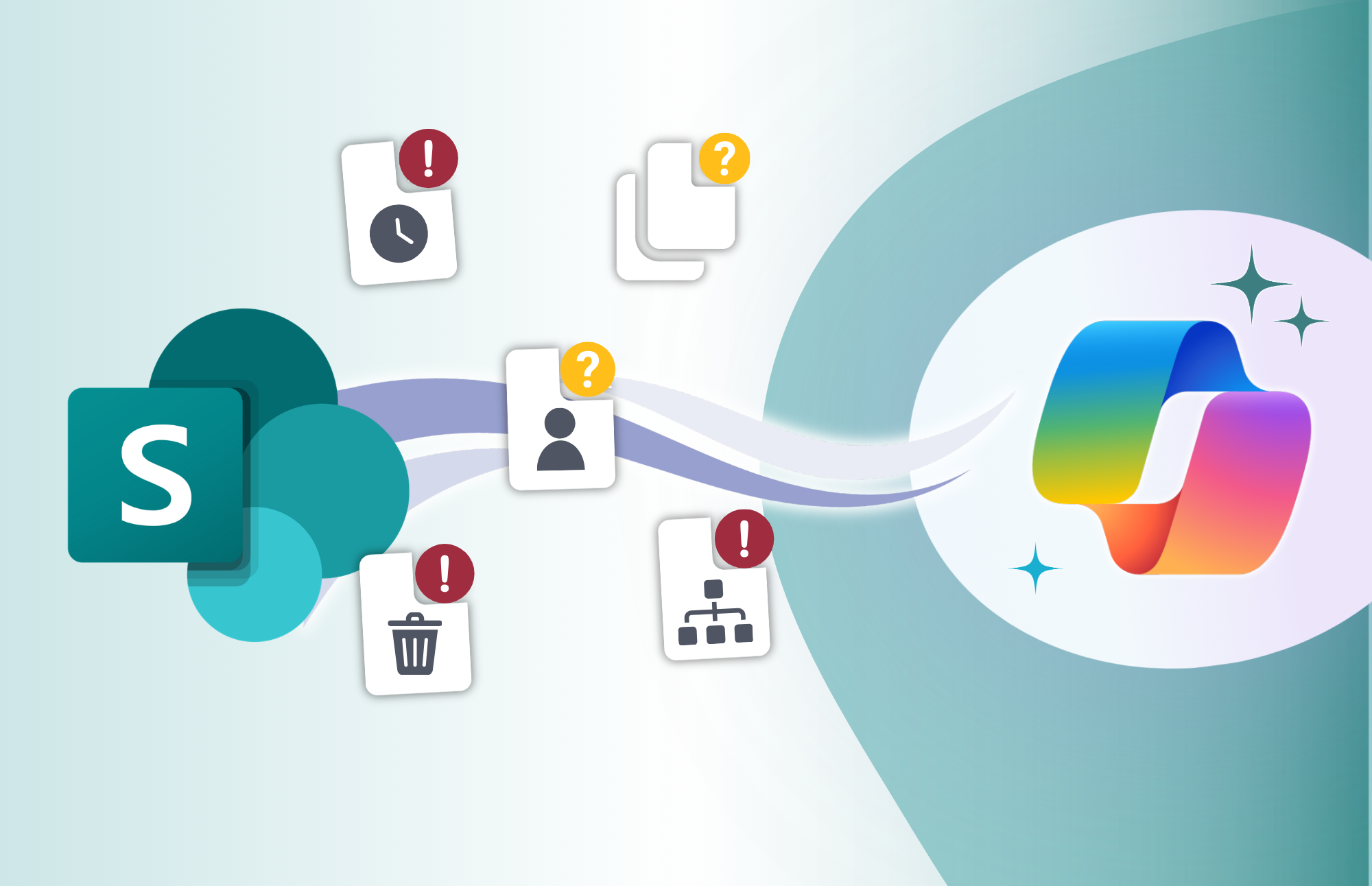
5 Problems Copilot Will Expose in SharePoint
5 Problems Copilot Will Expose in SharePoint Microsoft Copilot can make it easier for employees to find information, summarize documents, and work with the content already stored across Microsoft 365. But that also means organizations need to pay closer attention to [...]
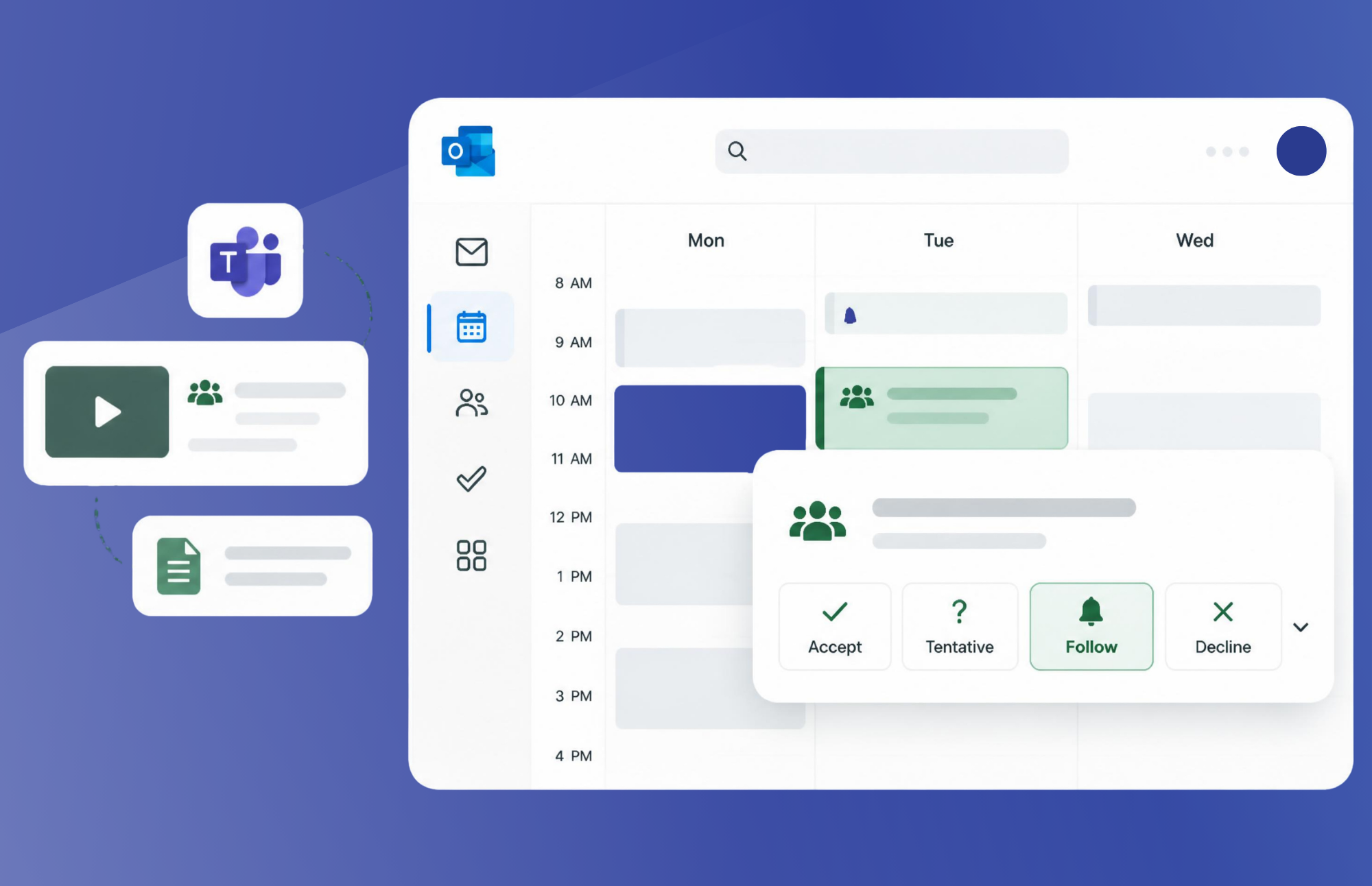
Stay in the Loop Without Another Meeting: Understanding Follow in Outlook
Stay in the Loop Without Another Meeting: Understanding the Follow Feature in Outlook Meetings remain one of the biggest contributors to workplace overload. Many employees attend meetings not because they need to actively contribute, but because they do not want [...]
Recap – What Will Copilot Find in Your Microsoft 365 Environment ?
What Will Copilot Find in Your Microsoft 365 Environment? Microsoft 365 Copilot can help organizations unlock productivity, accelerate decision-making, and surface knowledge across the digital workplace. But AI is only as effective as the environment behind it. Before expanding Copilot adoption, organizations need [...]
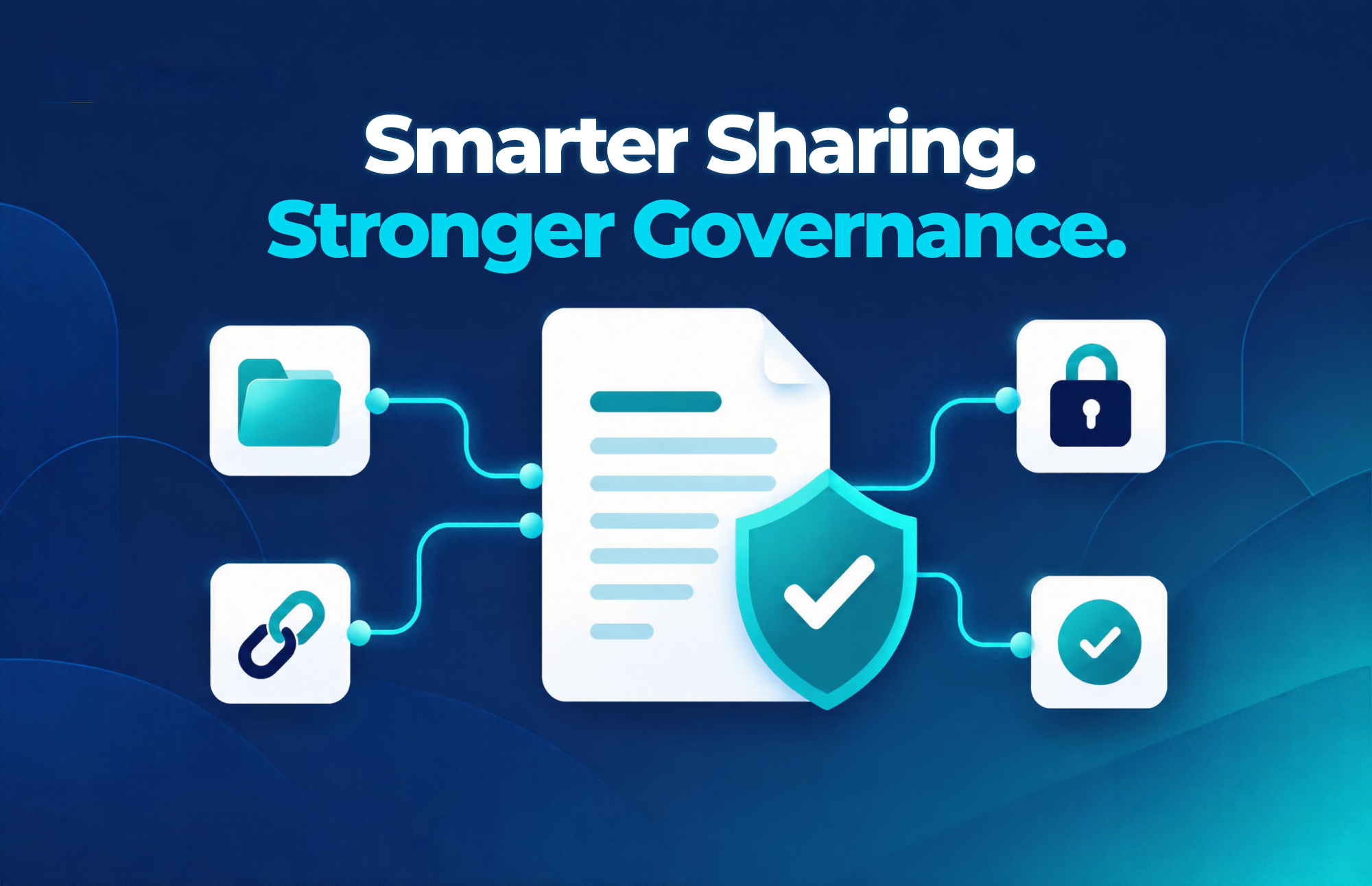
Microsoft’s New Sharing Experience in OneDrive & SharePoint: What Users and Admins Need to Know
Microsoft’s New Sharing Experience in OneDrive & SharePoint: Simpler, Smarter, and More Secure Sharing files is one of the most common actions in Microsoft 365. Whether you're collaborating on a proposal, working with external partners, or distributing critical business documents, the ability to [...]
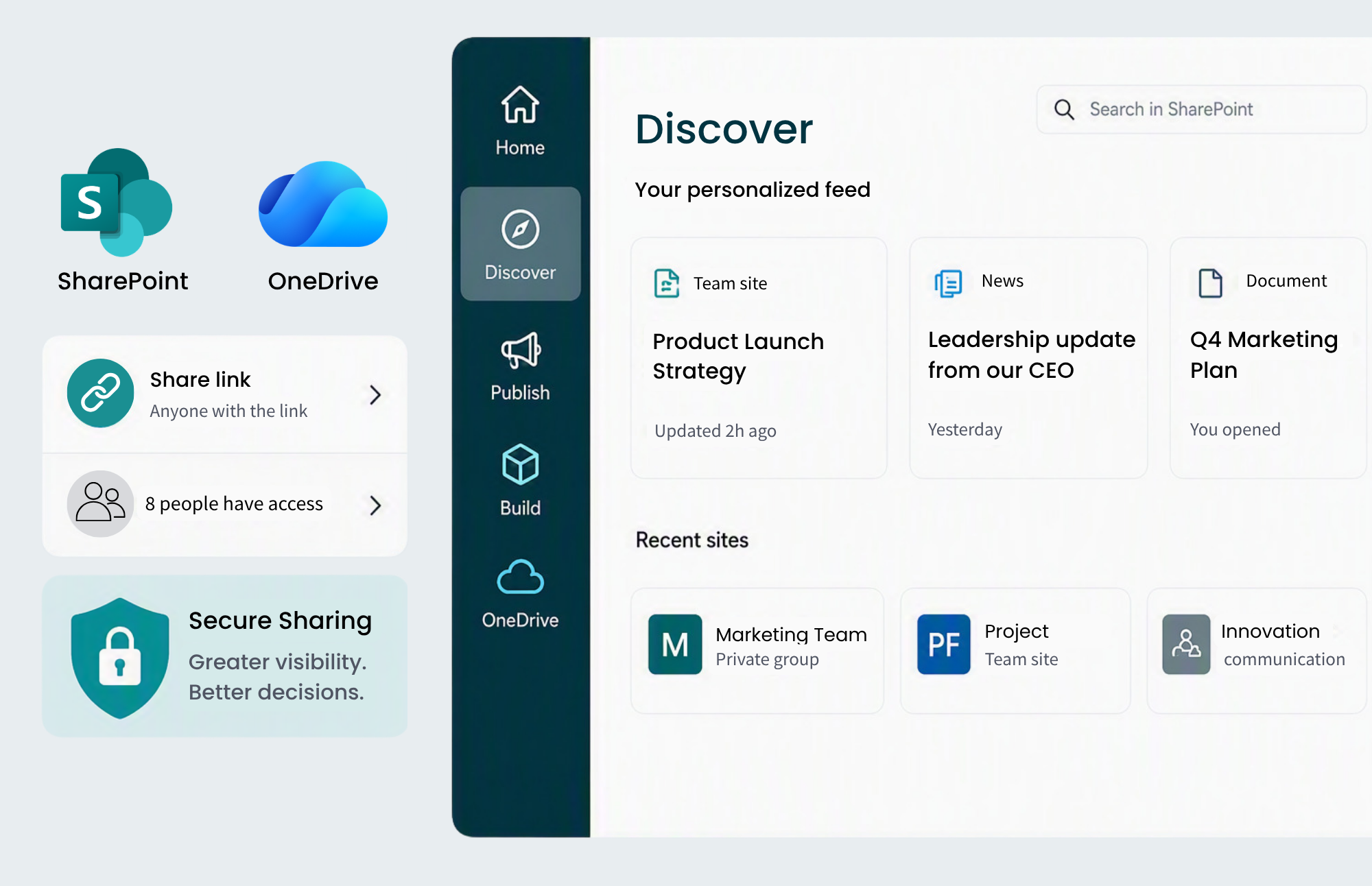
Microsoft Made Sharing Easier. Do You Know Who Can Access Your Content?
Microsoft Made Sharing Easier. Do You Know Who Can Access Your Content? Microsoft's recent updates to the OneDrive and SharePoint sharing experience are a welcome improvement for organizations that rely on Microsoft 365 for collaboration. The redesigned interface introduces Hero [...]

What Will Copilot Find in Your Microsoft 365 Environment?
Microsoft Copilot can help employees find documents, emails, conversations, meeting notes, policies, and knowledge across Microsoft 365 faster than ever. But there’s one important reality organizations often overlook: Copilot inherits the environment you’ve already built. It doesn’t create new access to content. It works [...]

Why Overshared SharePoint Sites Are an AI Risk for Law Firms
Why Overshared SharePoint Sites Are an AI Risk for Law Firms As law firms explore Microsoft 365 Copilot, many are focused on the productivity upside: faster research, better knowledge discovery, document summarization, and more efficient administrative work. But AI can [...]

What Will Copilot Find in Your Microsoft 365 Environment?
Before you expand Copilot, understand the environment it will inherit and the content it may expose. Copilot respects existing permissions, but it can bring long-hidden governance issues to the surface in seconds. Learn how to use SharePoint Advanced Management and Microsoft Purview to identify oversharing, [...]
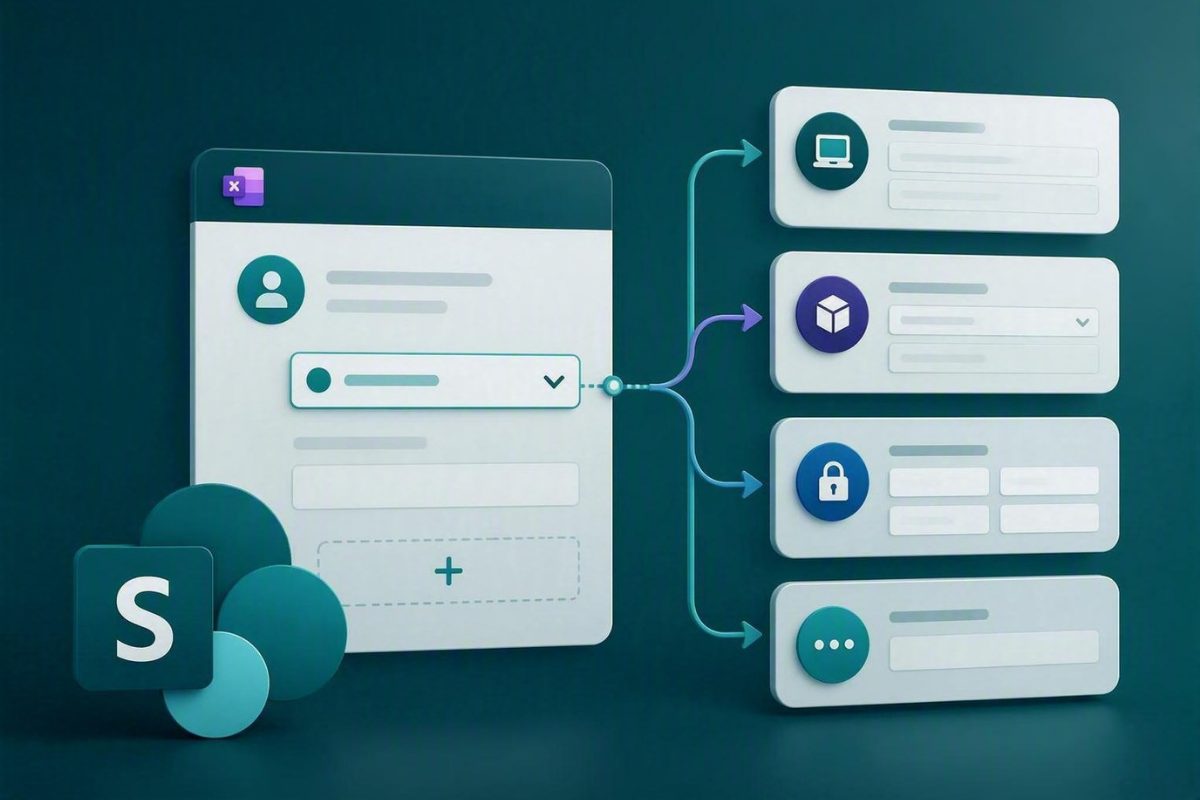
Exciting Update: Microsoft Lists Forms Now Support Conditional Branching for Smarter SharePoint Forms!
Exciting Update Microsoft Lists Forms Now Support Conditional Branching for Smarter SharePoint Forms! Show the Right Fields at the Right Time Without Power Apps TDLR Microsoft Lists forms now support conditional branching, allowing teams to show or hide fields [...]

How SharePoint Authoritative Sites Build Trust in AI Search
How SharePoint Authoritative Sites Build Trust in AI Search One of the most common concerns organizations have about Microsoft 365 Copilot isn't whether it can generate answers. It's whether employees can trust those answers. Copilot can summarize documents, surface knowledge, [...]
Viva Connections Is Now the SharePoint App in Teams: What Organizations Need to Know
Microsoft has officially renamed Viva Connections to the SharePoint app in Teams, marking a significant shift in how Microsoft positions its intranet and employee experience capabilities within Microsoft 365. While the underlying functionality remains largely the same, the change reflects Microsoft's broader strategy to simplify the user experience and strengthen [...]
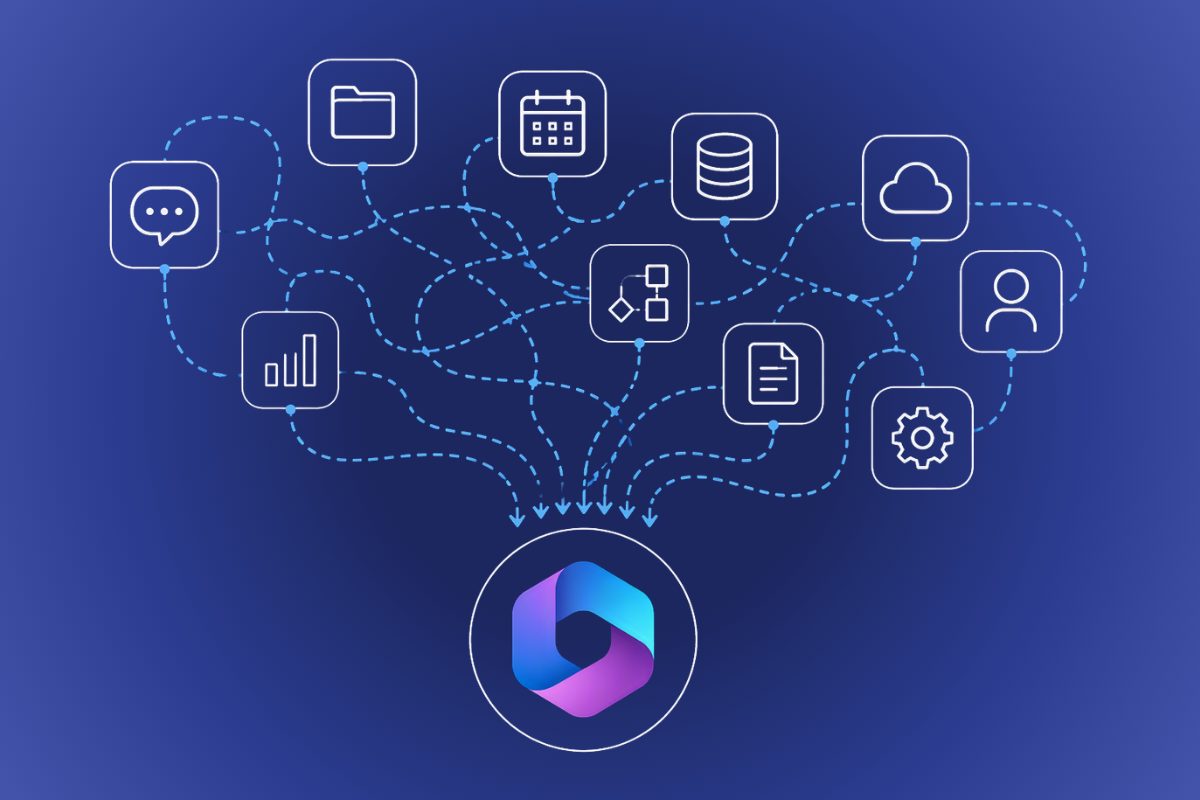
Why Adding More Tools Is Slowing Your Organization Down
Why Adding More Tools Is Slowing Your Organization Down The Hidden Cost of Solving Every Problem with Another Tool If you're responsible for managing technology in your organization, you've likely experienced this scenario before. A department identifies a business [...]
Copilot’s New Security Controls for SharePoint: Understanding RCD and RSS
Copilot's New Security Controls for SharePoint Copilot Doesn't Create Oversharing Risks — It Exposes Them One of the most common concerns organizations have when evaluating Microsoft 365 Copilot is: "What stops Copilot from exposing sensitive SharePoint content?" It’s an understandable question but often a [...]
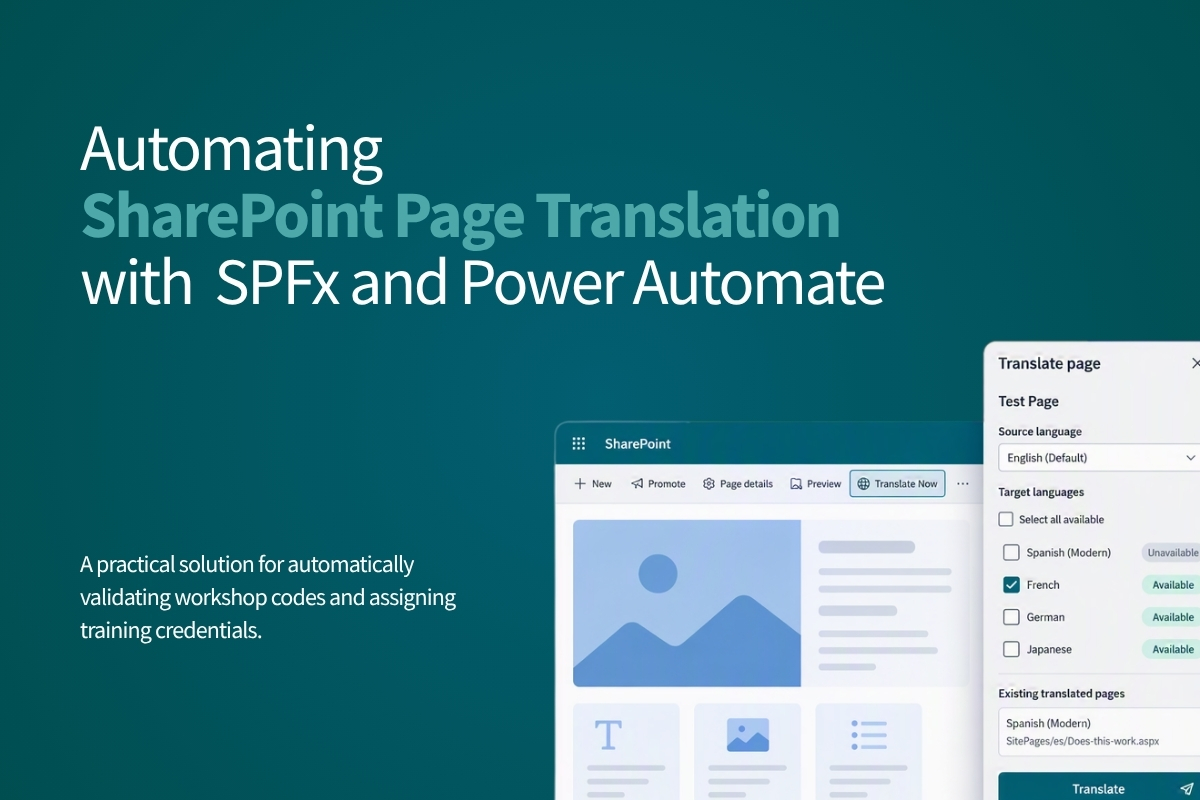
Automating SharePoint Page Translation with SPFx and Power Automate
SharePoint’s multilingual feature for site pages creates a copy of the source page for each language you specify, but someone needs to still manually translate every piece of content. At scale, across dozens of pages and multiple languages, this quickly becomes a serious bottleneck. [...]
Estimating Copilot Cowork Costs: How to Forecast AI Usage
Microsoft Copilot Cowork introduces a new way of working with AI, and a new way of budgeting it. Unlike traditional Microsoft 365 licensing, where organizations can forecast costs largely by counting seats, Copilot Cowork uses a consumption-based model. Organizations still need Microsoft 365 Copilot licensing, but Copilot Cowork activity is billed separately based [...]

Metadata That Matters: Designing IA for Legal
Most law firms already have plenty of documents, but inconsistent organizations make it difficult to find, reuse, and manage the information they need. When legal operations teams begin a taxonomy project, the first step should be understanding how lawyers work, how matters are managed, and [...]
Microsoft Copilot Cowork Explained: What Leaders Need to Know
For the past two years, most conversations about AI in the workplace have focused on productivity. How can AI help employees draft emails faster, summarize meetings more efficiently, or create presentations with less effort? Microsoft Copilot answered many of those questions. Copilot Cowork introduces [...]
Microsoft Copilot Credits Explained
Microsoft's new Copilot Cowork capability promises something different from traditional AI assistants. Instead of simply answering questions, Cowork can perform multi-step tasks, gather information, create deliverables, and take action across Microsoft 365 on your behalf. That shift from assistance to execution introduces a new [...]
Is Now the Right Time to Invest in a Microsoft 365 Upgrade?
Yes, if your organization is on Microsoft 365 E3 or E5, 2026 may be the right time to upgrade. Five signals point in that direction: July 1, 2026 price increases, the arrival of Microsoft 365 E7 with bundled AI capabilities, growing security and compliance requirements, hidden [...]
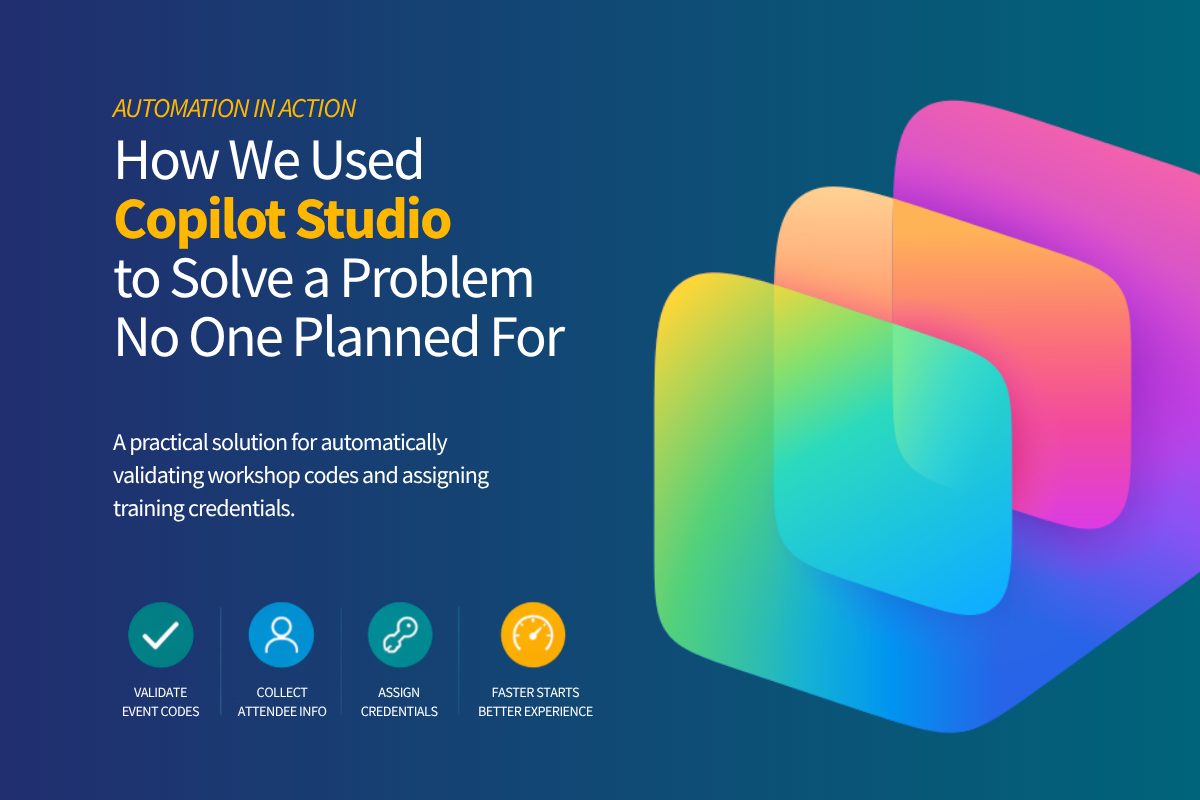
How We Used Copilot Studio to Solve a Problem No One Planned For
A Copilot Studio agent can automate workshop credential assignment by validating event codes, collecting attendee details, triggering Power Automate flows, and assigning the next available training account from a SharePoint-hosted Excel file. This reduces manual work, prevents duplicate assignments, and helps attendees access lab [...]








