Author
Prem Chandran
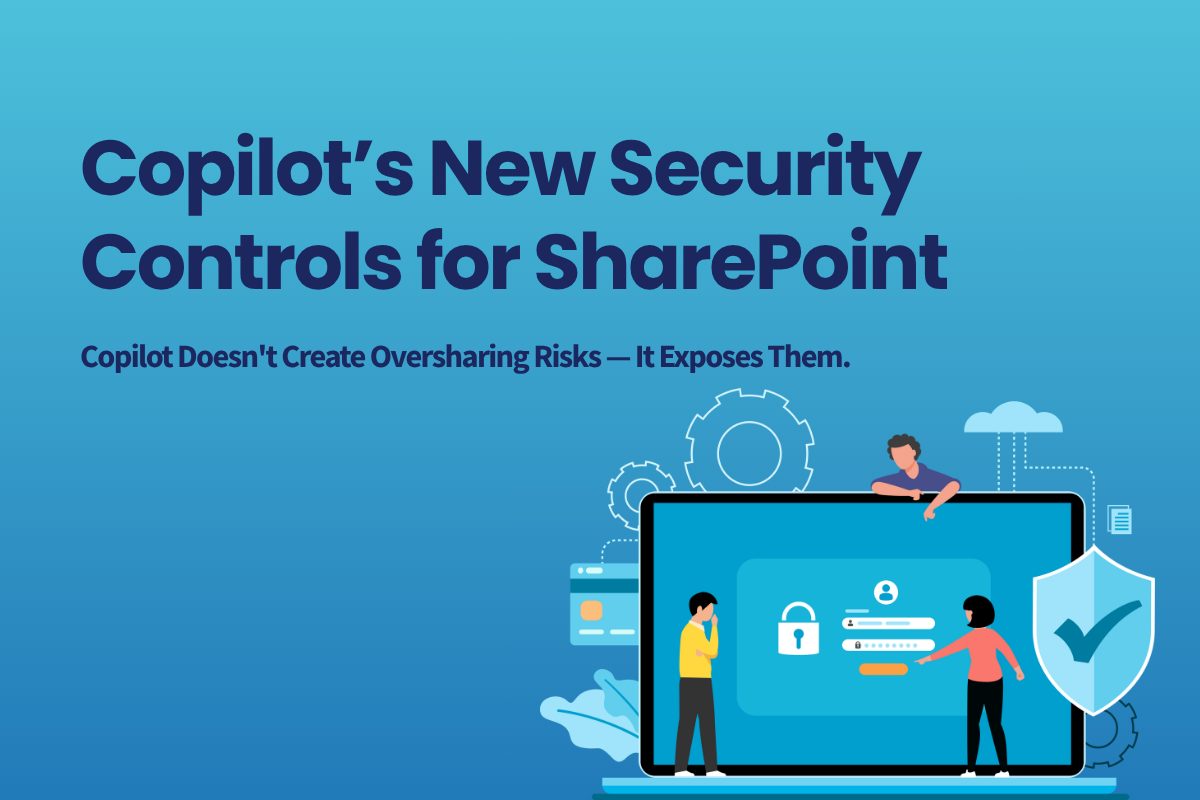
Copilot’s New Security Controls for SharePoint
Copilot Doesn't Create Oversharing Risks — It Exposes Them
One of the most common concerns organizations have when evaluating Microsoft 365 Copilot is:
"What stops Copilot from exposing sensitive SharePoint content?"
It's an understandable question but often a misconception for how Copilot functions. The reality is that Copilot respects existing permissions. If a user can access a document today, Copilot can potentially help them find it more quickly tomorrow.
That does not mean organizations should ignore governance. In fact, Copilot often shines a spotlight on years of accumulated permission sprawl, inactive sites, broken inheritance, and loosely governed content.
To help organizations reduce accidental content discovery while they improve governance, Microsoft introduced two SharePoint controls:
- Restricted SharePoint Search (RSS)
- Restricted Content Discovery (RCD)
While both impact how content is surfaced through search and Copilot experiences, they serve different purposes and are intended for different stages of governance maturity. Microsoft is now positioning Restricted Content Discovery (RCD) as the long-term approach, while Restricted SharePoint Search (RSS) is being retired.
Why This Matters for Copilot Deployments
Many organizations approaching Copilot are focused on AI security. The larger challenge is often content governance. Years of SharePoint growth can leave organizations with:
- Stale content repositories
- Inactive sites
- Broad access permissions
- Legacy team sites
- Unclear ownership structures
- Inconsistent governance practices
Before Copilot can provide trusted, high-quality responses, organizations need confidence that their information landscape is properly governed.
That's where controls like Restricted Content Discovery can help. Rather than delaying Copilot adoption until every governance issue is solved, organizations can use RCD to reduce content discoverability while they address permissions, ownership, information architecture, and compliance practices.
What Is Restricted Content Discovery (RCD)?
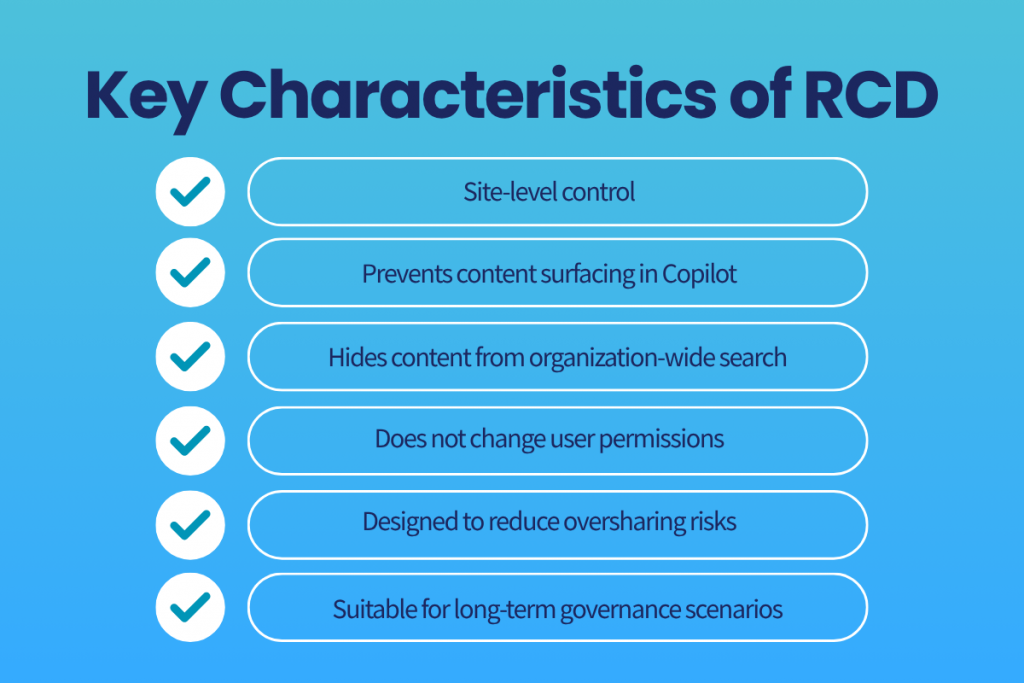
Restricted Content Discovery (RCD) is a SharePoint governance control that prevents content from selected SharePoint sites from appearing in:
- Microsoft 365 Copilot
- Microsoft Search
- SharePoint Home search
- Organization-wide search experiences
When enabled, content becomes significantly harder to discover through AI-powered and tenant-wide search experiences. However, RCD does not change permissions.
Users who already have access can still:
- Open files directly
- Navigate to the site
- Access content through direct links
- Continue working with authorized content
Microsoft designed RCD as a governance control for organizations preparing for Copilot, conducting security reviews, or addressing oversharing concerns. It provides administrators with time to validate permissions, ownership, and content governance without broadly exposing information through search experiences.
What Is Restricted SharePoint Search (RSS)?
Restricted SharePoint Search (RSS) was Microsoft's original Copilot readiness control.
Rather than hiding selected sites, RSS takes the opposite approach:
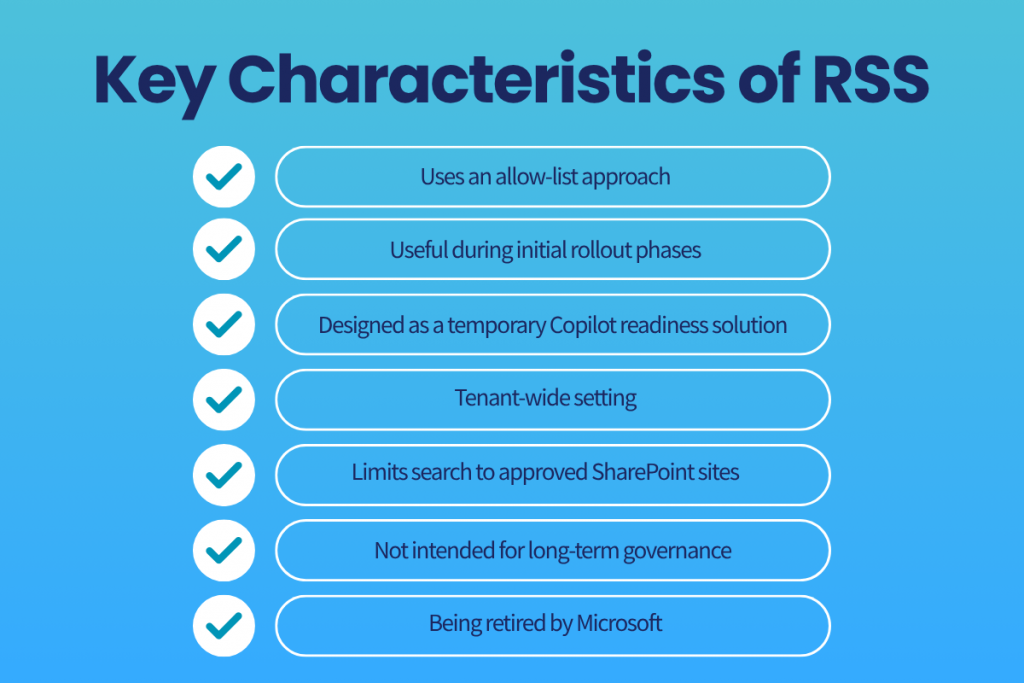
It creates an allow-list of approved SharePoint sites.
When RSS is enabled:
- Copilot can search approved sites
- Enterprise Search can search approved sites
- Administrators choose which sites are included
- All other sites are excluded from organization-wide discovery
RSS was introduced as a temporary solution to help organizations begin Copilot deployments before completing large-scale governance reviews.
However, Microsoft has been clear that RSS was never intended to be a long-term governance model and does not scale well for large environments. Microsoft has announced the retirement of Restricted SharePoint Search, with new enablement blocked beginning July 31, 2026.
RCD vs RSS: What's the Difference?
| Feature | Restricted Content Discovery (RCD) | Restricted SharePoint Search (RSS) |
|---|---|---|
| Approach | Restrict specific sites | Allow-list approved sites |
| Scope | Site-level control | Tenant-wide control |
| Long-term solution | Yes | No |
| Copilot visibility | Blocks selected sites | Allows only selected sites |
| Search visibility | Blocks selected sites | Allows only selected sites |
| Governance focus | Oversharing prevention | Deployment readiness |
| Microsoft recommendation | Recommended | Retiring |
| Scalability | High | Limited |
Think of it this way:
- RSS asks: “Which sites should Copilot be allowed to use?”
- RCD asks: “Which sites should Copilot not discover?”
For most organizations, RCD is more practical because it targets higher-risk content instead of requiring administrators to maintain an ever-growing allow-list.
When Should You Use RCD?
Scenario 1: High-Risk HR Site
An HR department stores:
- Employee records
- Salary information
- Performance documentation
The organization wants HR staff to continue working normally while permissions are reviewed.
Use RCD.
Users with legitimate access retain access, but the content is removed from broader Copilot and search discovery.
Scenario 2: Legal Department Governance Review
A legal site has evolved over several years and contains highly sensitive content.
Before rolling out Copilot broadly, the organization wants time to:
- Review ownership
- Validate sharing links
- Confirm permissions
Apply RCD temporarily while governance work occurs.
Scenario 3: Managing Oversharing Concerns
A SharePoint assessment reveals sites with:
- Broad access permissions
- Everyone groups
- Guest sharing
- Legacy documents
RCD provides an immediate governance control while remediation occurs.
When Would RSS Have Been Used?
RSS was often used during early Copilot deployments when organizations wanted Copilot to search only a small set of validated sites.
For example:
- IT approves 25 SharePoint sites
- Copilot is deployed to a pilot group
- Search and grounding occur only within approved content
This allowed organizations to continue readiness work while beginning adoption.
Today, Microsoft recommends transitioning away from RSS toward more comprehensive governance controls, including RCD, SharePoint Advanced Management, and Microsoft Purview.
How to Enable Restricted Content Discovery (RCD)
Using SharePoint Admin Center
- Open SharePoint Admin Center
- Navigate to Active Sites
- Select the target SharePoint site
- Open Site Settings
- Enable Restrict content from Microsoft 365 Copilot
- Save changes
Once enabled, SharePoint begins updating search indexing so content is excluded from Copilot and tenant-wide search experiences.
How to Enable Restricted SharePoint Search (RSS)
Note: RSS is being retired and should generally only be referenced for existing deployments.
Historically, administrators would:
- Enable Restricted SharePoint Search at the tenant level
- Create an approved site allow-list
- Add validated SharePoint sites
- Test Copilot search scope
- Continue governance and permissions reviews
Microsoft recommends migrating existing RSS configurations to RCD and broader governance controls before retirement deadlines.
Where RCD Fits in a Copilot Governance Strategy
RCD should not be viewed as a permanent substitute for governance.
Instead, it is one layer of a broader Copilot readiness program that includes:
Information Architecture
- Site ownership
- Metadata strategy
- Content lifecycle management
Permission Reviews
- Oversharing remediation
- Broken inheritance analysis
- Guest access reviews
Data Protection
- Sensitivity labels
- Data Loss Prevention (DLP)
- Microsoft Purview controls
SharePoint Governance
- Site lifecycle management
- Site provisioning controls
- Access governance
Discovery Controls
- Restricted Content Discovery
- Restricted Access Control
- Data Access Governance reporting
Together, these controls help organizations reduce oversharing risk while improving the quality, accuracy, and trustworthiness of Copilot responses.
Final Thoughts
Restricted Content Discovery represents Microsoft's evolution from temporary search restrictions toward scalable AI governance.
If your organization is concerned about Copilot surfacing sensitive content, RCD provides a valuable safeguard while you review permissions, validate ownership, and strengthen governance processes. But it should be treated as part of a broader strategy—not the strategy itself.
The organizations seeing the greatest success with Copilot are not simply restricting content. They are improving the quality, structure, governance, and security of the information Copilot relies on.