Author
Prem Chandran
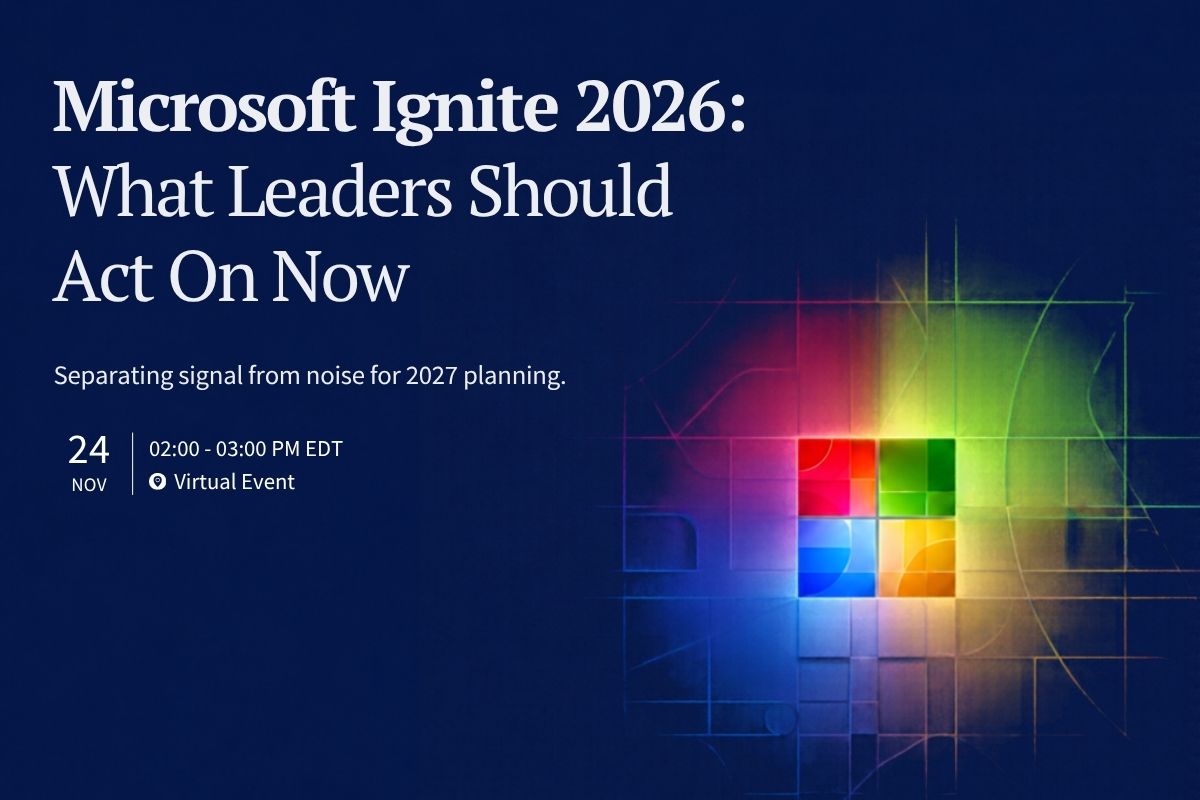
Microsoft Ignite 2026: How Leaders Can Separate Signal from Noise
Ignite week reliably produces two things: a flood of Microsoft announcements and a flood of forwarded links asking for your thoughts.
Between November 17 and 20, you’ll hear about new AI, Copilot, agent, and security features. Every one of them will sound urgent. Most aren’t.
The more useful question isn’t “What did Microsoft announce?” It’s “What does this mean for us, and what should we do next?” Answering that takes more than a feature list, so here’s a simple way to sort it all before you build your 2027 plans.
Want help sorting? On Tuesday, November 24, we’re hosting Microsoft Ignite 2026 Unpacked, a candid roundtable with Microsoft Most Valuable Professionals (MVPs) Noorez Khamis and Eric Overfield. Save your seat →
A Practical Framework: Act On, Watch, or Ignore for Now
Not every announcement belongs on your roadmap. Sort each one into one of three groups.
1. Act on it now
An announcement belongs here when it solves a real business problem, the product is ready for how you’ll use it, and you have a realistic path to adoption. It should also fit your security and risk comfort level.
Acting doesn’t always mean rolling it out to everyone. It might mean updating your roadmap, naming an owner, checking licensing, tightening governance, or starting a small pilot.
Before anything goes on your roadmap, ask four questions:
- What problem does this solve for us?
- Who benefits?
- What data will it touch?
- How will we know it worked?
2. Watch it closely
Some announcements matter but aren’t ready for you yet. The product may be early, something else may need to happen first, or the business case may still be unclear.
Give these a real review date, not a spot in the innovation backlog, where good ideas go to retire. A useful watch plan names an owner, lists what would trigger action, and sets a date to look again. You might wait for stronger admin controls, clearer licensing, or results from a small pilot.
Not every announcement deserves a pilot. Some deserve a calendar reminder.
3. Ignore it for now
Ignoring an announcement doesn’t mean dismissing it forever. It means it doesn’t match your priorities, readiness, risk comfort, or capacity right now.
A clear “not now” is a gift to your team. It keeps your budget and people focused on the work that matters most while your foundations are still taking shape.
The Five Questions Leaders Should Ask After Ignite
Run each announcement you’re considering through these five questions.
- What business outcome could this improve? Start with the problem, not the product name.
- Is it mature enough for how we’d use it? Check availability, admin controls, how it connects to your other systems, support, and who will own it day to day.
- Are our data, access, and security ready? AI and agents work with the information you already have. Well-organized content with the right access makes them useful from day one.
- Can our people adopt it with confidence? Think about training, communication, changes to how work gets done, and how you’ll measure success.
- What should change in our 2027 roadmap? Decide whether it calls for action now, a small pilot, a spot on the watch list, or no change at all.
Why AI, Copilot, and Agents Require More Than A Technology Decision
AI tools are only as helpful as the information they can reach. Microsoft 365 Copilot and agents draw on content that already lives across your Microsoft 365 environment. When that content is well organized, ownership is clear, and access is right-sized, those tools have something good to work with.
That’s why AI adoption works best as a team effort. Technology, security, information management, legal, change management, and business teams each have a part to play.
Together, you’ll want clear answers on who can create or publish agents, what data those agents can reach, how their outputs get reviewed, and how you’ll measure value and risk.
The organizations that move fastest usually aren’t the ones that adopt every new feature first. They’re the ones that build a solid base they can reuse to experiment, learn, and scale.
Turn Announcements Into A Realistic 2027 Digital Workplace Roadmap
A good roadmap turns a pile of announcements into a short, ordered list of decisions. After Ignite, sort what you’ve learned into four workstreams:
- Foundation: clean, well-organized content, the right people with the right access, and clear rules for how information is kept, protected, and retired.
- Experience: the tools your people use every day, including Microsoft 365, Copilot, search, agents, collaboration, and your intranet.
- Adoption: practical use cases by role, training, communication, change support, feedback, and responsible use.
- Value: how you’ll measure success, from usage and productivity to risk reduction, cost, and reporting for leadership.
Sorting this way keeps your roadmap from turning into a wish list. It also shows what depends on what. A promising AI use case may need some data cleanup first, and a new agent may need clearer ownership before it launches.
Get those pieces in order, and 2027 becomes the year your digital workspace works the way your people do.