Trusted Microsoft Copilot Partner

Microsoft Copilot Consulting That Turns AI Into Everyday Value

Copilot can help people spend less time searching, summarizing and starting from scratch. But getting value from it takes more than turning on a license.

We help you get your Microsoft 365 environment ready, choose the use cases that matter, put the right governance in place and give your people the confidence to use Copilot every day.

How AI Accelerates Your Business

Our experts have seen what works and what doesn’t across dozens of deployments. Here is what your organization gains when the rollout is done properly.

Creospark

Your Team Gets Hours Back Every Week

Meeting recaps. First drafts. Searching for a document you know exists somewhere.

Copilot can help take some of that work off your plate, giving your people more time for the work that needs their expertise and judgment.

Creospark

Turn Your Microsoft 365 Content Into Useful Answers

Your organization already has valuable knowledge spread across SharePoint, Teams, emails and documents. Copilot can help people find and work with that information more easily.

But there’s a catch: Copilot works with the access people already have. That’s why we look at permissions, sharing and content quality before you scale.

Creospark

Build Adoption That Lasts

Giving someone a Copilot license doesn’t mean they’ll know what to do with it.

We help your teams understand where Copilot is useful, how to use it responsibly and how it fits into the work they already do. Training, champions, leadership support and feedback all help turn initial curiosity into useful habits.

Is Your Organization Ready for AI?

AI technology is moving fast. Your organization doesn’t have to chase every new feature.

Our Executive Guide to AI Readiness looks at the foundations that matter most, including governance, leadership alignment, information readiness, workforce skills and change. Use it to see where your organization stands and what to strengthen before you scale AI.
Creospark | technologies work how you want to. business it at the service of the people

Start Where You Are

Copilot Readiness Assessment

For organizations preparing for Copilot

Before you scale Copilot, understand what it will find and whether your environment and people are ready.

Our four-week Copilot Readiness Assessment looks at your security, governance, permissions, licensing, business priorities and adoption needs. We identify what needs attention, help you prioritize useful scenarios and give you a phased path forward.

You’ll leave with:

A readiness score grounded in your Microsoft 365 environment
Prioritized data-access and oversharing risks
Licensing and governance findings
Business use cases worth pursuing
A working Copilot pilot for up to 10 users
An executive-ready rollout roadmap

Copilot Expert Agent Jumpstart

For organizations ready to prove a focused AI use case

Already have Microsoft 365 Copilot? Let’s make it useful for something specific.

We help you choose one focused use case and build an expert agent grounded in approved organizational content, such as policies, procedures or playbooks. Your people test it against real questions, and you leave knowing what it would take to move into production.

You’ll leave with:

  • A working proof-of-concept agent
    Defined knowledge, skills and success criteria
    Documentation for your team
    A roadmap for production
    A roadmap for future agents

Enterprise Copilot Accelerator

For organizations ready to scale adoption

You’ve proven Copilot can help. Now the challenge is scaling it without losing control.

We help bring business and technology leaders together around governance, security, adoption and measurable outcomes, then build a practical plan for expanding Copilot across teams.

You’ll leave with:

  • A practical AI governance framework
  • Clear roles and stakeholder alignment
  • A prioritized rollout plan
  • Change and adoption built into the approach
  • A way to measure what’s working
Creospark

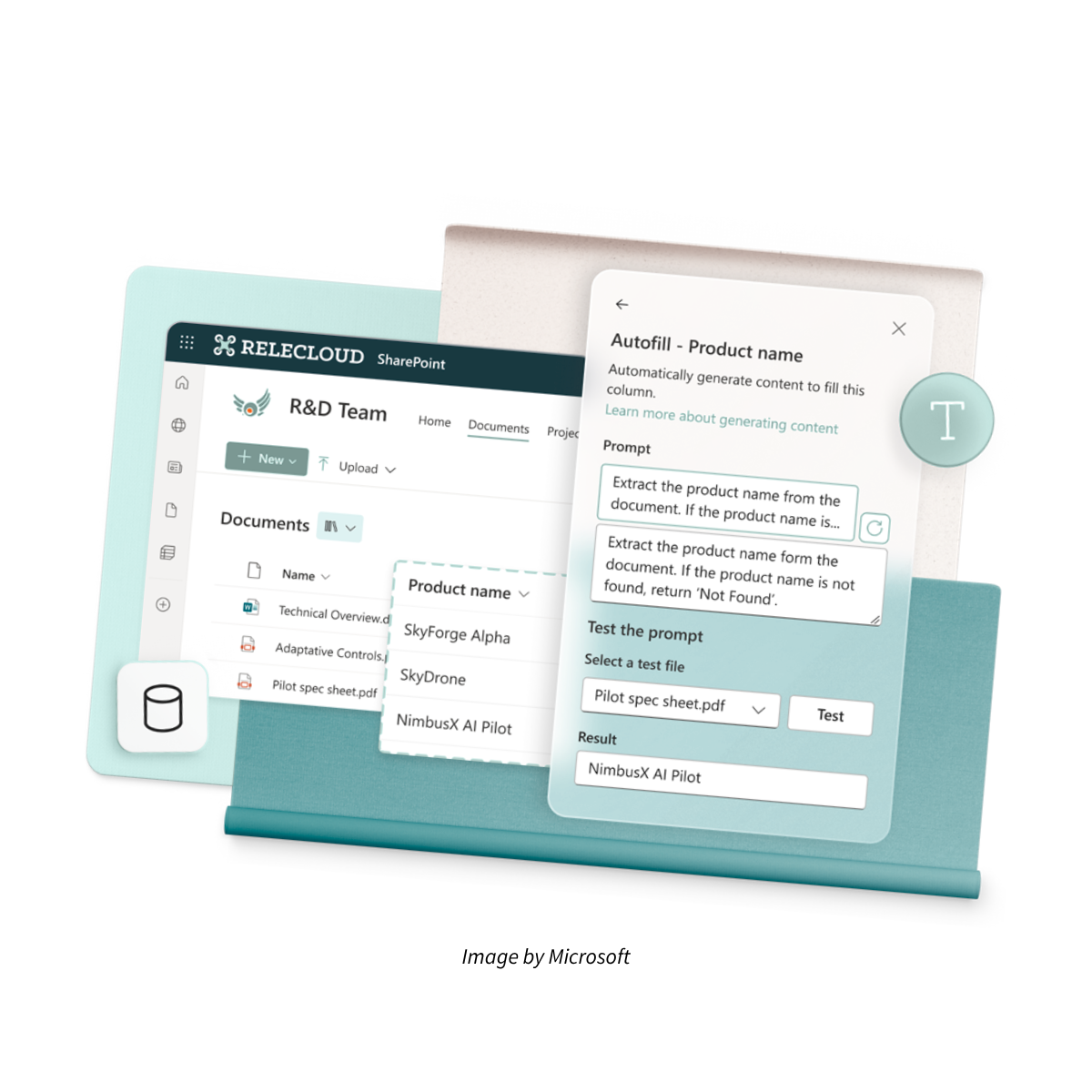
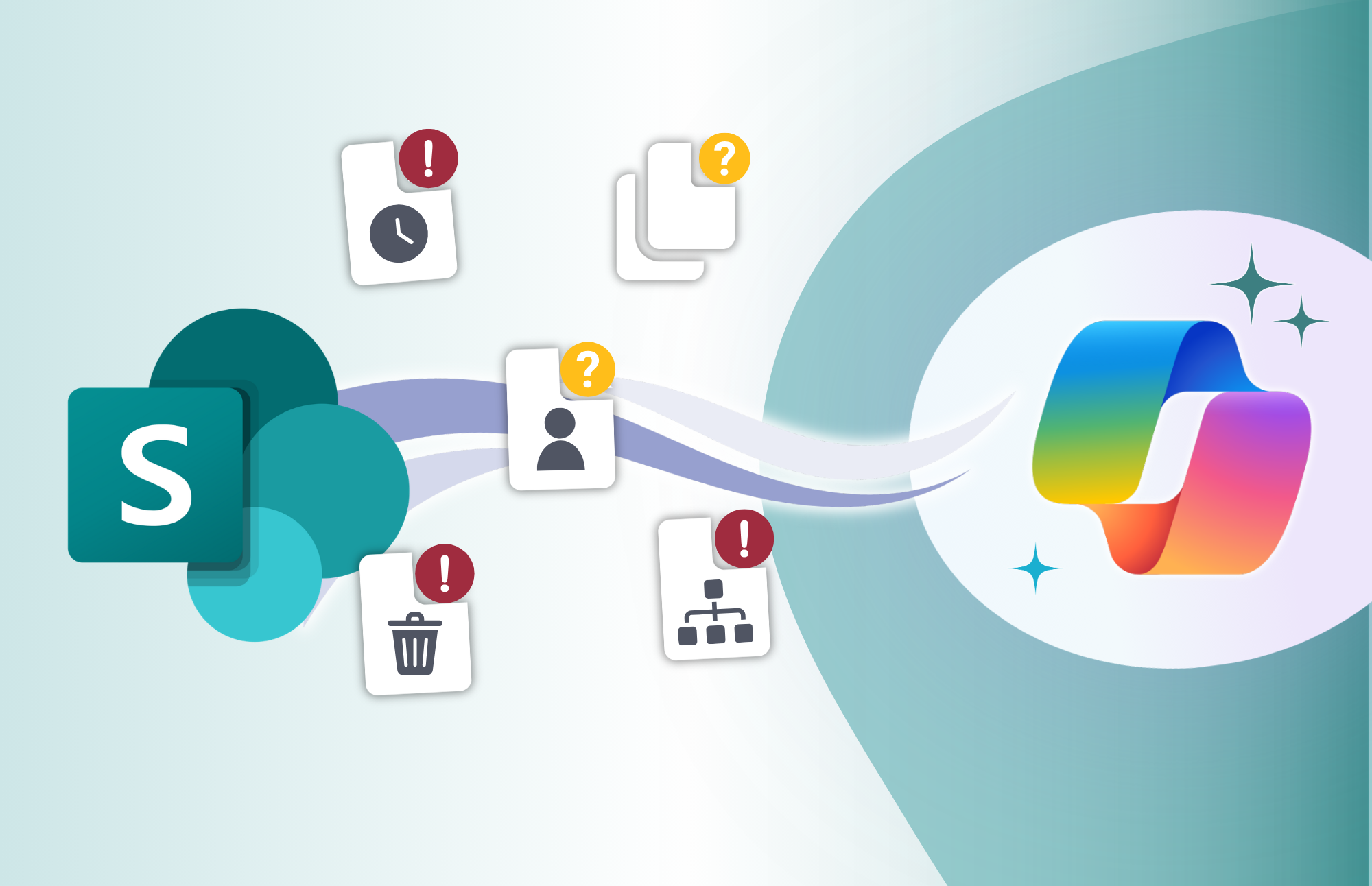
Copilot in SharePoint
is coming to your tenant.

Is your team ready?

Microsoft’s most powerful SharePoint AI capability rolls out automatically for all M365 Copilot-licensed users in June. Creospark helps you configure, govern, and build adoption — before it lands.

Why Work With Us on Microsoft Copilot?

Microsoft Expertise, Without the Microsoft-Speak

We know the technology, but we don’t expect you to speak its language.

Our team brings deep experience across Microsoft 365, Copilot, SharePoint, Teams, Purview and governance. We turn that expertise into practical guidance your technical teams, business leaders and employees can actually use.

Built Around Your People

AI adoption isn’t only a technology project.

We listen to the people who will use Copilot, understand what gets in their way and design training, governance and use cases around how work actually happens.

Start Small. Learn. Improve. Scale.

You don’t have to solve every AI question on day one.

Our Spark approach is iterative: understand the problem, test something useful, learn from real users and improve from there. Each phase should give you enough evidence to make the next decision with confidence.

Creospark | creospark careers work how you want to. business it at the service of the people

Ready to See What This Looks Like for Your Organization?

A North American municipal agency came to us with a real challenge: deploy AI fast without creating compliance risk. No blockers. No oversharing incidents. License costs fully offset within the pilot period.

That’s what a structured, expert-led Copilot deployment looks like.

If you’re evaluating whether AI is right for your organization or trying to figure out where to start, a 30-minute readiness call with one of our experts will give you a clear, honest picture of where you stand and what to do next. No pitch. Just expertise.

AI Services (Copilot) FAQ

Microsoft 365 Copilot brings AI into tools such as Word, Excel, PowerPoint, Outlook and Teams and works with information available through your Microsoft 365 environment.

It can help people summarize, draft, research and work with information more quickly. But the quality and safety of the experience still depend on your permissions, content, governance and how your people use it.

We help with the pieces that turn access to Copilot into useful adoption: readiness, security and governance, use-case planning, deployment, training, agents and ongoing improvement.

You don’t need to do everything at once. We start with where you are today and help you choose the next step that makes sense.

Start with a few simple questions.

Do you know who can access sensitive content? Is external sharing under control? Do you know which teams and use cases should go first? Are your leaders aligned on what success looks like? Do your people know how they’ll use Copilot?

If those answers aren’t clear yet, that’s okay. A readiness assessment helps identify the gaps and put them in the right order.

Our current assessment covers data-access and oversharing risk, licensing, governance, security, use cases and a working pilot before producing a phased roadmap.

Copilot works with the permissions and access already present in Microsoft 365. That’s why existing oversharing and access problems matter.

Before scaling Copilot, we help you understand who can access what and review areas such as sharing, permissions, sensitivity and governance. The objective isn’t to make your environment perfect. It’s to understand the real risks and address the ones that matter most.

The Copilot Readiness Assessment answers “Are we ready to scale Copilot, and what should we do next?”

The Agent Jumpstart answers, “Can an agent solve this specific problem using our information?”

If you’re still working through security, permissions, governance, use cases, or rollout planning, start with readiness. If Copilot is already deployed and you have a focused knowledge problem worth testing, the Agent Jumpstart may be the better fit.

It depends on what you’re trying to accomplish.

Our current Copilot Readiness Assessment runs for four weeks, moving from discovery and assessment into a working pilot and an executive-ready roadmap. A broader rollout, remediation program or production agent implementation will depend on the scope, your environment and the number of teams involved.

Look beyond the Copilot demo.

Ask how the partner approaches Microsoft 365 permissions, information governance, security, adoption and change. Ask what happens after launch and how they’ll measure whether people are actually using Copilot.

Most importantly, look for a partner that starts with your business problems rather than finding somewhere to put AI.

Yes. We can continue helping with user enablement, adoption insights, governance, agents and new capabilities after the initial rollout.

That means your Copilot program can keep adapting as your people, information and Microsoft environment change.

AI Insights

Go to Top