Author
Prem Chandran
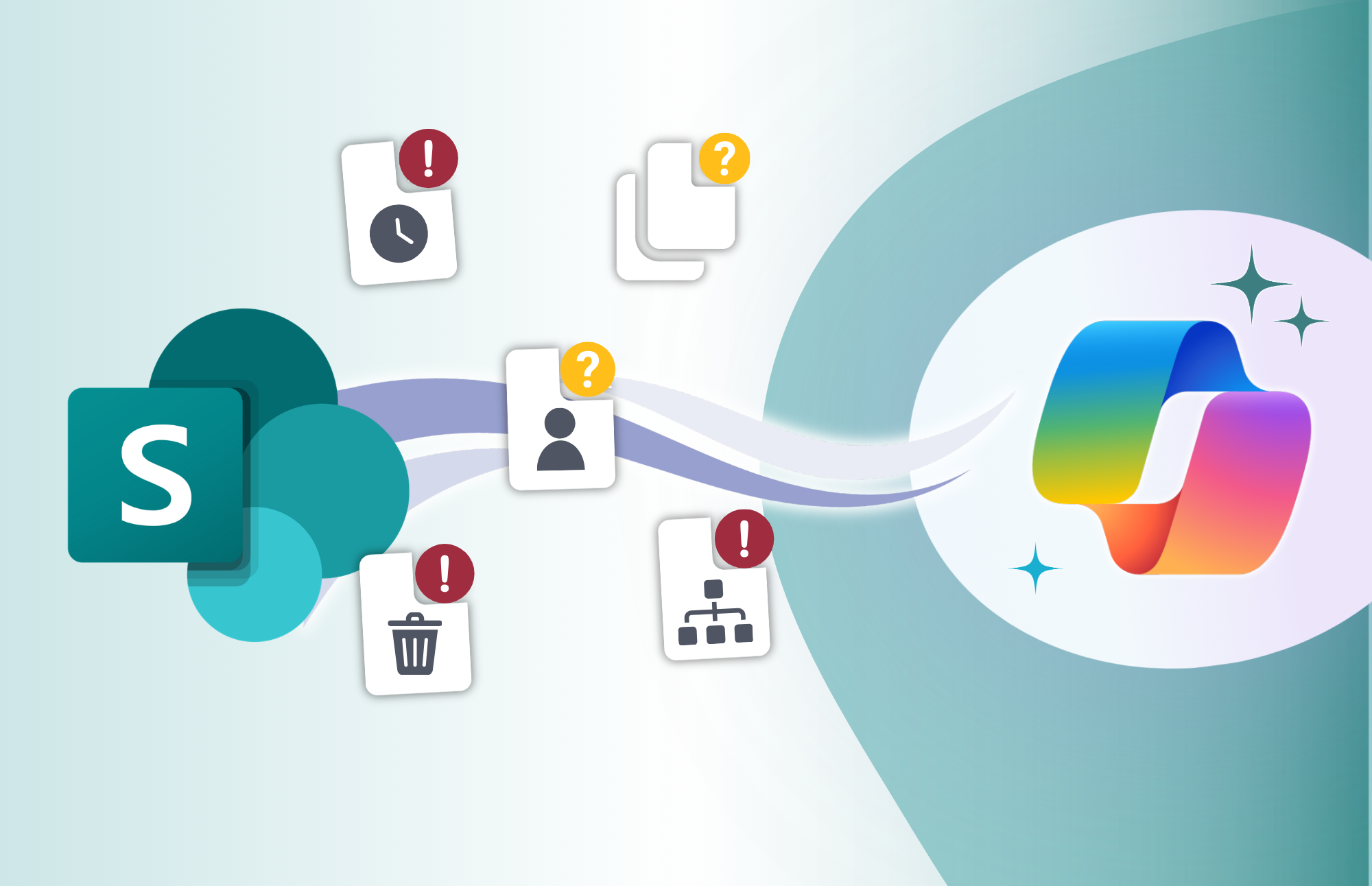
5 Problems Copilot Will Expose in SharePoint
Microsoft Copilot can make it easier for employees to find information, summarize documents, and work with the content already stored across Microsoft 365. But that also means organizations need to pay closer attention to the quality of the information Copilot has to work with.
If your SharePoint environment contains outdated policies, duplicate documents, abandoned files, or poorly organized content, introducing Copilot does not automatically solve those problems.
Instead, it can make them much more visible.
This is why Copilot readiness is about more than enabling AI. Organizations also need to understand whether their existing SharePoint information is accurate, organized, trustworthy, and ready to support AI-assisted work.
Here are five information problems that Copilot can bring to the surface.
1. Outdated Content That Still Looks Current
SharePoint environments naturally accumulate content over time. Policies are replaced, procedures change, projects end, and teams move on. The problem is that the documents themselves do not always move with them.
An old policy may still be sitting in a document library. A legacy procedure might still be accessible to employees. Documentation from a completed project may remain available long after it is useful.
For a person browsing SharePoint manually, there may be contextual clues that something is old. They might recognize an outdated folder structure, notice a modified date, or know where the current version is normally stored.
When employees use Copilot to find or summarize information, they may not have that same context at first glance. If outdated content is still available and accessible, it can become part of the information landscape they are working with.
That creates a larger information management question: How can employees tell which content they should trust?
Organizations preparing SharePoint for Copilot should look closely at content lifecycle management. Old information should be reviewed, clearly identified where necessary, archived appropriately, or removed when it no longer serves a business purpose.
AI makes good information management more important, not less.
2. Multiple Versions of the Truth
Most organizations have experienced some version of this problem.
One team has a process document saved in its SharePoint site. Another department keeps a slightly different copy. Someone downloads the document, makes changes, and uploads it somewhere else. Before long, there are several documents explaining the same process in slightly different ways.
The problem becomes even more significant when those documents contain contradictory guidance.
For example, imagine an employee looking for the current process for requesting a new piece of software. If SharePoint contains three versions of the procedure, each with different instructions, employees have to figure out which one represents the approved process.
Similar issues can happen with:
- Policies
- Templates
- Brand guidelines
- Standard operating procedures
- HR documentation
- Project documentation
- Departmental processes
Copilot does not eliminate the underlying contradiction. Organizations still need to establish which information is authoritative.
A strong information architecture should make it clear where official information belongs and how it is maintained. Instead of allowing multiple uncontrolled copies to become competing sources of truth, organizations should establish clear locations and processes for authoritative content.
Before expanding Copilot, ask a simple question:
If someone finds two documents that say different things, is it obvious which one they should trust?
If the answer is no, that is an information management issue worth addressing.
3. Content With No Clear Owner
Another common SharePoint problem is content that technically belongs to the organization but practically belongs to nobody.
Maybe the person who originally created a document has moved to another role. Perhaps a project ended and nobody was assigned responsibility for maintaining its documentation. Or a team created a SharePoint site years ago and has not reviewed its content since.
Without ownership, information can slowly become unreliable.
Nobody is responsible for checking whether it is still accurate. Nobody is reviewing it regularly. And nobody is making the decision to update, archive, or remove it.
Copilot can bring additional attention to this issue because employees may encounter information outside the normal paths they use to navigate SharePoint.
Content ownership should therefore be part of Copilot readiness.
For important business information, organizations should be able to answer:
- Who owns this information?
- Who is responsible for reviewing it?
- How often should it be reviewed?
- What happens when the information becomes obsolete?
- Who has the authority to update or retire it?
Ownership does not have to mean manually monitoring every individual file. The goal is to establish accountability around important libraries, sites, processes, and categories of information.
4. Digital ROT: Redundant, Obsolete, and Trivial Content
Not everything stored in SharePoint deserves to remain there forever.
Over the years, organizations can accumulate thousands of files that provide little ongoing business value. Duplicate documents, abandoned drafts, temporary working files, outdated project artifacts, test documents, and old reference material can all contribute to what is often called digital ROT: redundant, obsolete, and trivial content.
Before Copilot, much of this information may have been easy to ignore.
Employees typically navigated to the sites, libraries, and folders they already knew. Old information could remain buried in parts of SharePoint that few people visited.
AI changes the experience because employees can ask questions instead of manually navigating through information structures. That puts greater importance on the quality of the content available to them.
For example, a project may have produced:
- Project Plan.docx
- Project Plan FINAL.docx
- Project Plan FINAL v2.docx
- Project Plan Updated.docx
- Project Plan Working Copy.docx
To the people who worked on the project, the correct document might have been obvious at the time. A year later, it may be much less clear.
Reducing digital ROT is not simply a cleanup exercise. It helps create a more intentional information environment where useful, relevant content is easier to distinguish from information that no longer has value.
Before rolling Copilot out broadly, organizations should consider reviewing high-value SharePoint environments and identifying content that can be archived, consolidated, or removed.
5. Poorly Structured Information
Some SharePoint information problems are not about the documents themselves. They are about the way those documents are organized.
A document might be completely accurate and current but still lack important context.
Common issues include:
- Missing or inconsistent metadata
- Unclear file names
- Inconsistent naming conventions
- Documents stored in unexpected locations
- Poorly defined content types
- Libraries containing several unrelated types of information
Consider a file called FinalDocumentV3.docx.
The document might contain valuable information, but the name tells an employee almost nothing. What department does it belong to? What process does it support? Is it approved? Is it still current?
Good information architecture provides that context.
Metadata, content types, naming standards, site structure, and document organization all help make information easier to understand and manage. These elements become increasingly important as organizations introduce AI into everyday workflows.
The goal is not to add metadata simply for the sake of adding metadata. It is to provide enough structure that important business information can be understood in the right context.
Copilot Readiness Starts With Information Readiness
Organizations often approach Copilot readiness by focusing first on the technology: licensing, deployment, permissions, security, and adoption.
Those areas matter. But the quality of the underlying information deserves just as much attention.
If SharePoint contains outdated documents, conflicting versions, ownerless content, digital ROT, and inconsistent information structures, Copilot can make those existing weaknesses harder to overlook.
That is not necessarily a bad thing.
In fact, it can be an opportunity to finally address information management problems that have accumulated quietly for years.
Instead of asking only, “Are we ready to deploy Copilot?”, organizations should also ask:
“Is our information ready for Copilot?”
Reviewing content ownership, lifecycle practices, authoritative sources, metadata, information architecture, and unnecessary content can help create a SharePoint environment that is easier for employees to understand and more prepared for AI-assisted work.
Copilot readiness does not start with AI. It starts with making sure the information your organization already has is information people can trust.