Author
Prem Chandran
Microsoft 365 licensing is changing, and for many organizations, the next renewal could be more expensive than expected.
In our recent webinar, “Stop Overpaying for Microsoft 365: A Practical Licensing Cleanup Before Your Next Renewal,“ we walked through what’s changing, where organizations commonly overspend, and what IT and finance teams should do before their next renewal.
What’s Changing in Microsoft 365 Licensing
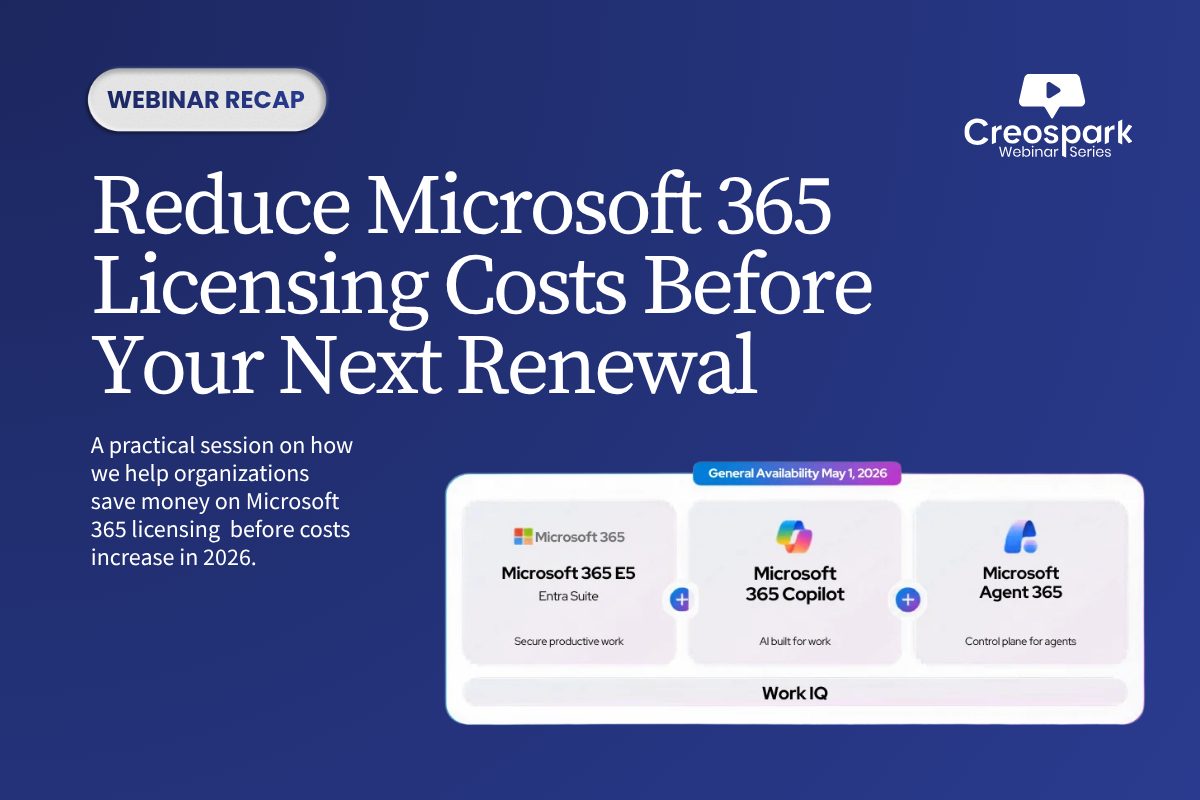
Microsoft 365 price increases take effect July 2026, with impacts varying by SKU, agreement type, and renewal timing. Several plans are increasing, and Microsoft has also introduced a new E7 tier above E5.
At the same time, renewal rules are changing. The free grace period is being replaced by Extended Service Terms, which can add cost risk if subscriptions expire without a clear renewal plan.
The Bigger Problem: Licensing Drift
The price increase matters, but it’s not the only issue.
Most organizations are already overpaying because licensing hasn’t kept pace with how their business has changed. Common problems include:
- Inactive licenses assigned to departed users or ended projects
- Premium SKUs assigned to users who don’t need them
- Duplicate tools that overlap with Microsoft 365 capabilities
- Add-ons that were purchased once and never removed
- Limited visibility into actual license usage
Creospark typically sees 8–15% of licenses inactive in mid-sized environments, making this one of the fastest savings opportunities.
Five Common Overspend Patterns
The webinar highlighted five recurring sources of Microsoft 365 waste:
- Inactive licenses
- Duplicate capabilities
- Wrong license tier per user
- Ungoverned add-ons
- No continuous visibility
These issues often persist because licensing is treated as a fixed cost rather than an operating model that needs regular governance.
Where Savings Actually Come From
Cost savings don’t usually come from one big change. They come from consistent cleanup:
- Align licenses to actual user roles
- Reclaim and reassign unused seats
- Remove duplicate third-party tools
- Audit add-ons quarterly
- Review persona-to-license fit semi-annually
- Plan renewals at least 90 days in advance
What to Do This Quarter
Creospark recommended five practical next steps:
- Pull an inactive license report
- Identify your top three duplicate tools
- Define 4–6 user personas
- Lock in pre-July pricing where possible
- Book a Microsoft 365 licensing assessment
Frequently Asked Questions
What is changing with Microsoft 365 licensing?
Microsoft 365 pricing is increasing in July 2026, with changes varying by plan, agreement type, and renewal timing.
What is Microsoft 365 E7?
E7 is a new tier above E5 that bundles Microsoft 365 apps, Copilot, Purview, and Agent 365 for organizations scaling AI adoption.
Where do organizations usually overspend?
Common areas include inactive licenses, wrong license tiers, duplicate tools, unused add-ons, and lack of ongoing visibility.
How soon should we start renewal planning?
Ideally, begin at least 90 days before renewal so there is time to assess usage, right-size licenses, and evaluate pricing options.