Author
Prem Chandran
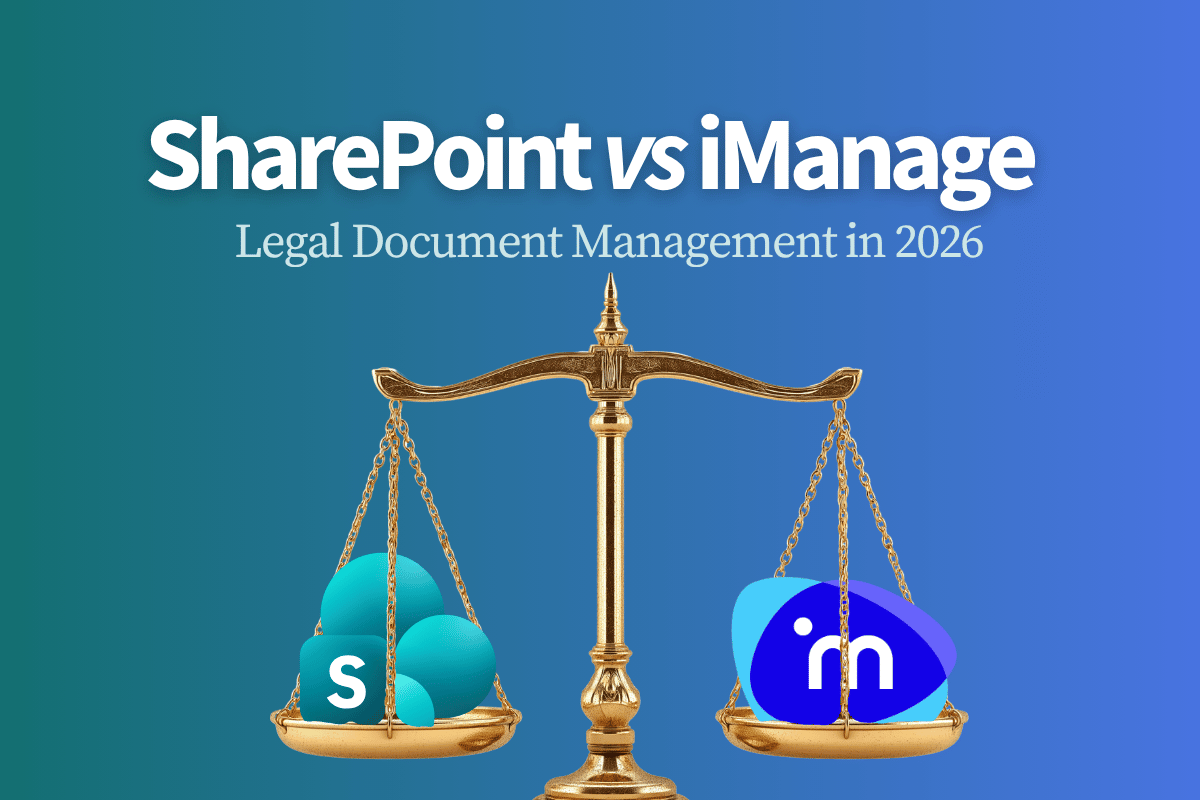
Changing a legal document management system isn't a simple matter. An uninformed decision risks problems like confidentiality breaches, ethical wall failures, retention gaps, and audit issues – or a combination of any or all of these. The consequences, therefore, are serious.
However, legal document management is a key part of:
- Where legal professionals spend their time,
- Protecting sensitive information while collaborating, and
- Finding critical information quickly in high-pressure situations.
So, a good document management system is important, and a change can have long-term results. While we consider the differences between SharePoint and iManage, the real question is not which one is "better" in theory or has the flashiest features. What we ask instead is:
Which solution enhances legal work the most, for the least amount of risk?
This year, in 2026, Microsoft 365 is becoming the primary environment for legal work, causing law firms and in-house legal teams to reevaluate their long-standing assumptions about the platform. Some people think of SharePoint Online as a simple file store. It isn't. Instead, it's intentionally designed with features like:
- Structured libraries
- Well-defined metadata, and
- Strong governance
Over the years, it has truly evolved into a platform that is capable of supporting firms' legal document management needs. That's why the discussion today isn't about choosing between brands (and whatever ideas we may have about them). The discussion is rather about aligning document management tools with modern legal workflows, collaboration realities, and AI-driven expectations.
The Forces Driving Legal DMS Evolution
Legal Work Already Lives in the Microsoft Ecosystem
How much do legal teams use Microsoft tools on a daily basis?
Even if documents are stored in a legal-specific DMS, much work is performed in the Microsoft ecosystem. Drafting in Word, negotiating through Outlook email chains, collaborating with others in Teams, and coordinating matters across multiple other Microsoft 365 applications all happen in the same place. If there's a split, then, between "where documents live" and "where work happens", there are predictable problems that arise. Going back and forth from one place to another, a team may suffer from version confusion, document sprawl, broken audit trails, and time wasted searching for the authoritative files. On the other hand, collaborative work and document management can be consolidated into one environment with SharePoint. By using SharePoint's capabilities to the fullest, it can be designed around matters, metadata, and access controls rather than folders alone, and reduce back-and-forth document confusion at the source.
Search and Metadata: The True Competitive Advantage
Now, what about another important feature: search?
Traditionally, legal DMS systems have strong metadata discipline and reliable searching, which earns the trust of their customers. SharePoint does approach this differently, but is still equally as effective and trustworthy when metadata is treated as foundational instead of optional. SharePoint has the ability to model:
- Content types,
- Matter-centric metadata,
- Client identifiers, and
- Practice-area taxonomies.
This means it isn't just a repository, but can be transformed into a searchable legal knowledge system. Even further, AI integrated into SharePoint enhances its search capabilities, allowing legal professionals to locate precedents, correspondence, and drafting materials quickly, even without knowing exactly where a document was originally stored.
AI Is Redefining Content Management Requirements
Furthermore, in the age of AI, document management isn't just storage: the requirements go further. Legal organizations want to be able to extract information and insights from their content safely and ethically. Document management isn't just document management, but a knowledge strategy. A helpful tool for this strategy is SharePoint Premium, which adds intelligent content services that prepare documents for AI assisted workflows, including structured document processing and content assembly. These capabilities allow legal teams to:
- Generate routinely requested documents from approved templates and structured data.
- Reduce the time and effort poured into drafting, while both improving consistency and lowering the risks associated with manual document creation.
When SharePoint Online Becomes the Strategic Choice
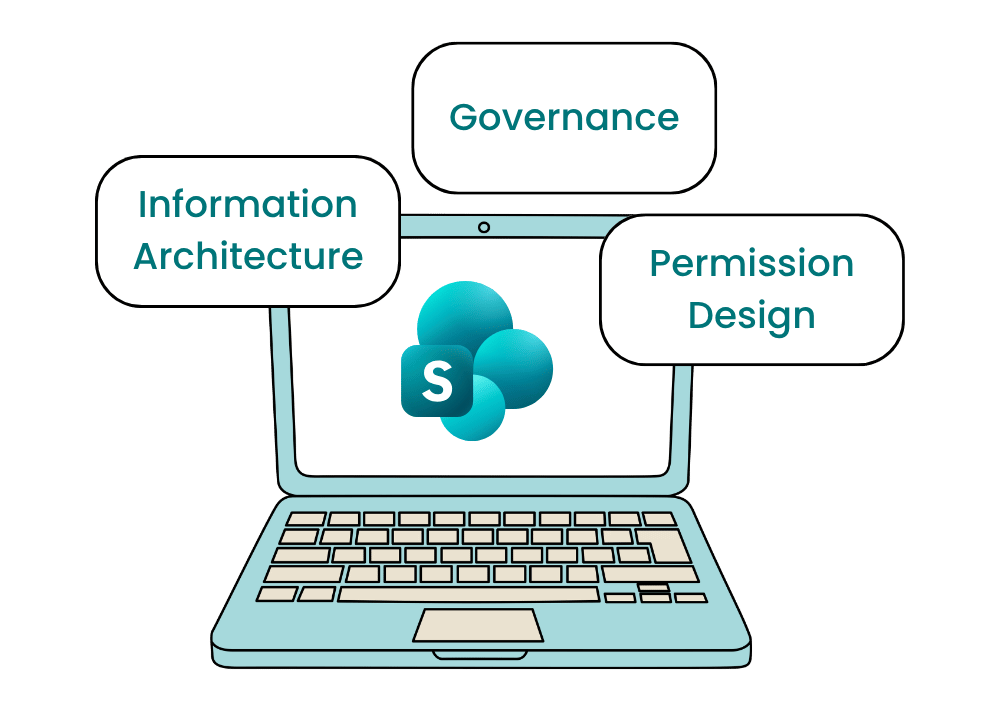
SharePoint Online becomes a strong legal document management option when it aligns with organizational reality. If a team is already working primarily in Microsoft applications, extending that ecosystem into document management creates continuity instead of fragmentation. The ability to manage security, compliance, retention, and auditability within a single environment reduces operational complexity. However, SharePoint only delivers this value when organizations are willing to invest in information architecture, governance, and permission design. Treated casually, it behaves like a shared drive; designed intentionally, it functions as a legal knowledge platform.
Risk Controls Legal Teams Require
The first part of a good legal document management system is that it enhances work. The second part is that it doesn't add extra risk. Because of that, legal professionals are absolutely right to be cautious and scrutinize changes in document management through a risk lens. In this case, Microsoft 365 addresses core legal requirements through integrated compliance and security controls.
Confidentiality
Confidentiality is enforced through:
- Sensitivity labels
- Data loss prevention
- Audit logging
- eDiscovery applied consistently across documents, collaboration tools, and AI-assisted workflows
Ethical Wall Requirements
Meanwhile, ethical wall requirements are supported through:
- Information barriers
These barriers prevent communication and collaboration between defined groups, helping maintain separation across matters and practice areas.
Audit Trails
Finally, comprehensive audit trails capture:
- Access details
- Modifications details
- Sharing activity
- Retention actions
This data supports defensibility and regulatory response when required.
A Realistic Migration Framework
After deciding on a document management system change, what happens next?
Moving from a traditional legal DMS to SharePoint should be treated as a strategic program, rather than a technical migration. Pave the path to success by:
- Clearly defining matter structures, metadata models, naming conventions, and document classifications, as these decisions shape how information is found and governed long term.
- Designing security architecture to reflect legal reality, building in matter-level access controls, role-based permissions, and conflict separation.
- Aligning governance and lifecycle rules with jurisdictional requirements and organizational risk tolerance.
- Executing in a phased implementation, starting with lower-risk content and expanding gradually. This allows teams to adjust to the change, and validate or improve the approach, reducing rework and administrative overhead.

The Strategic Decision Point
SharePoint has the potential to be extremely effective for legal document management, and its cohesion with existing legal workflows offers a long-term advantage. To take this opportunity, organizations cannot treat it as a generic storage location, but rather purposefully build it into a legal knowledge system. A disciplined metadata design, governance framework, and extensive security controls in SharePoint can streamline legal workflows and prepare firms to use AI as it impacts the world of work. The question is: Are legal organizations prepared to commit to the architectural discipline and change management required to take advantage of this powerful technology? For legal teams already embedded in Microsoft 365, the path forward increasingly runs through SharePoint, not around it.
Ready to explore how SharePoint Online could transform your legal document management?
Schedule a consultation with our legal technology specialists to discuss your organization's specific requirements and migration pathway.