Author
Prem Chandran
What Are Copilot Credits?
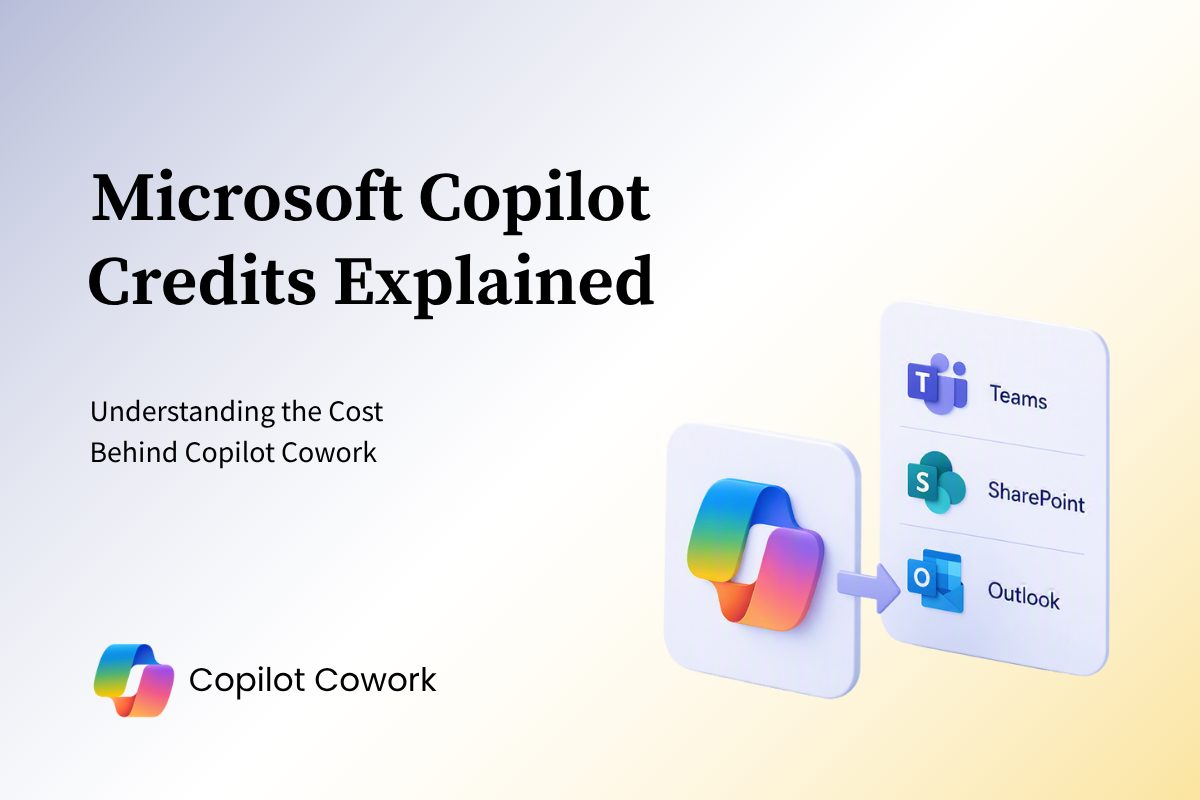
Copilot Credits are Microsoft’s usage-based currency for AI-powered workloads across its ecosystem. They allow Microsoft to measure and bill for the actual work performed by AI experiences rather than charging a fixed amount regardless of usage.
Copilot Credits aren’t exclusive to Copilot Cowork. The same credit pool can also be used by:
- Copilot Cowork
- Work IQ APIs
- Microsoft Copilot Studio
- Dynamics 365 AI experiences
- Power Platform AI capabilities
Because all of these services can draw from the same credit pool, organizations should think about AI spending holistically rather than budgeting for each service in isolation.
Why Microsoft Uses a Consumption-Based Model
Not every AI task requires the same amount of effort.
For example, asking Cowork to summarize a meeting recording is very different from asking it to:
- Review multiple SharePoint sites
- Analyze several documents
- Identify risks and opportunities
- Build a report
- Draft stakeholder communications
Both requests may look simple to the user, but the amount of processing happening behind the scenes is dramatically different.
The consumption-based model allows Microsoft to align costs with the actual effort required to complete the work.
What Determines Credit Consumption?
Behind the scenes, Microsoft looks at four things when determining how many credits a task consumes.
1. Model Usage
Different tasks require different levels of AI reasoning and processing power.
A simple summary requires far less computational effort than a request that involves research, analysis, recommendations, and decision support.
2. Context Retrieval
Cowork often needs to gather information from across your Microsoft 365 environment.
This can include:
- Emails
- Teams conversations
- SharePoint documents
- Meeting notes
- Files and business data
The more information Cowork needs to locate, retrieve, and process, the more resources are required.
3. Tool Calls
Cowork can interact with Microsoft 365 services and connected applications to complete work.
Examples include:
- Drafting and sending emails
- Updating documents
- Triggering workflows
- Creating reports
Gathering information from connected systems
Each action contributes to overall usage.
4. Runtime
Some requests are completed in seconds. Others require longer periods of orchestration as Cowork works through multiple steps and processes larger volumes of information.
Longer-running tasks generally consume more credits than shorter ones.
Think in Task Complexity, Not Individual Credits
The easiest way to understand Copilot Credits is to stop thinking about prompts and start thinking about workload complexity.
Consider these examples:
Light Task
- Summarize a meeting
- Draft a quick email
- Pull a single report
Medium Task
- Analyze several documents
- Gather information from multiple sources
- Produce a detailed summary with recommendations
Heavy Task
- Conduct research across multiple systems
- Create several deliverables
- Coordinate actions across applications and workflows
The more data, reasoning, actions, and runtime involved, the more credits will be consumed.
Pay-As-You-Go vs. Pre-Purchase
Microsoft currently offers two primary ways to consume Copilot Credits.
Pay-As-You-Go
Organizations are billed based on actual credit consumption.
This option works well when:
- You’re piloting Copilot Cowork
- Usage patterns are still unknown
- You want flexibility without long-term commitment
Pre-Purchase Plan (P3)
Organizations can commit to a yearly volume of credits in advance and receive discounted pricing.
This option typically makes sense when:
- Usage is predictable
- AI adoption is already established
- Your organization has confidence in its consumption forecasts
One important consideration is that unused pre-purchased credits expire at the end of the commitment term, making accurate forecasting critical.
Governance Matters More Than Pricing
The biggest mistake organizations make isn’t misunderstanding pricing.
It’s enabling AI at scale without monitoring how it’s being used.
Before rolling out Copilot Cowork, consider:
- Who can access usage-based AI services
- Spending limits and budgets
- Cost monitoring and reporting
- Usage policies for departments and user groups
- Ongoing optimization opportunities
Microsoft provides cost management capabilities that help administrators monitor usage, set controls, and prevent unexpected spending.
The Bottom Line
Copilot Credits aren’t designed to make Microsoft licensing more complicated. They’re designed to ensure organizations only pay for the AI work they actually consume.
The key is understanding that Copilot Cowork isn’t simply generating responses. It’s acting more like a digital team member, performing work across your Microsoft 365 environment. As the complexity of that work increases, so does the number of credits consumed.
Organizations that establish governance, understand their usage patterns, and forecast adoption early will be in the best position to maximize AI value while keeping costs predictable.