Author
Faith Tong
With the release of Microsoft 365 E7 coming to the general public May 1, 2026, it’s time for businesses to consider which plan is the best for them. Each enterprise tier has its own features and strengths, and we’ll dive into each one.
What's included in Microsoft 365 E3?
Microsoft 365 E3 is designed for organizations that need strong productivity tools with a solid security and compliance baseline.
E3 includes:
- Full Microsoft 365 Apps (desktop, web, and mobile)
- Exchange Online with large mailboxes and archiving
- SharePoint and OneDrive for collaboration and storage
- Core identity, device, and application management (Entra ID Plan 1, Intune)
- Baseline security and compliance, including data loss prevention, sensitivity labels, and standard auditing
What's included in Microsoft 365 E5?
Microsoft 365 E5 builds on E3 with extended security, compliance, and analytics capabilities.
E5 adds:
- Advanced threat protection across identity, devices, email, and cloud apps
- Extended detection and response (XDR) and automated investigation
- Advanced compliance tools such as Insider Risk Management, Communication Compliance, and premium eDiscovery and audit
- Risk‑based identity protection and privileged access controls
- Advanced analytics and insights with Power BI pro and Viva Insights Premium
What's included in Microsoft 365 E7?
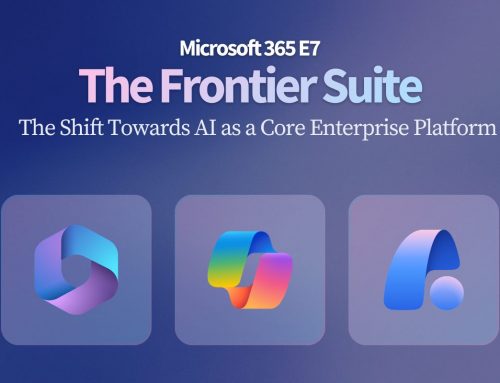
Microsoft 365 E7, or "the Frontier Suite" is a newly announced enterprise plan designed for organizations that are moving beyond AI experimentation and into operational, governed AI at scale.
On top of the features included with E5, the E7 plan has:
- Microsoft 365 Copilot: Embedded AI across Word, Excel, PowerPoint, Outlook, Teams, and Copilot Chat
- Microsoft Entra Suite: Advanced identity, zero‑trust access, and governance capabilities
- Agent 365: A new, purpose‑built control plane for governing AI agents across the Microsoft environment
Which plan should you choose?
E3 is ideal for mid‑to‑large organizations with modern productivity needs, established IT teams, and moderate compliance requirements. It fits businesses that want a solid security baseline but don't operate in highly regulated or high‑risk environments.
On the other hand, E5 is a good choice for large enterprises, regulated industries (finance, healthcare, energy, government), and organizations with elevated cyber risk. E5 is particularly valuable where security operations, legal, HR, and compliance teams rely heavily on Microsoft tools. It's also good for those who want more detailed analytics in Power BI or Viva.
Finally, E7 is designed for what Microsoft calls the "frontier firm": organizations who are ready to use AI as part of their core operating model, not as an optional enhancement. With strong capabilities to create and govern AI agents, E7 will help future-facing businesses use AI to the heights of its capabilities.
How Creospark can help
To make your life easier, we've developed a quick summary of the differences between E3, E5, and E7 in this infographic:
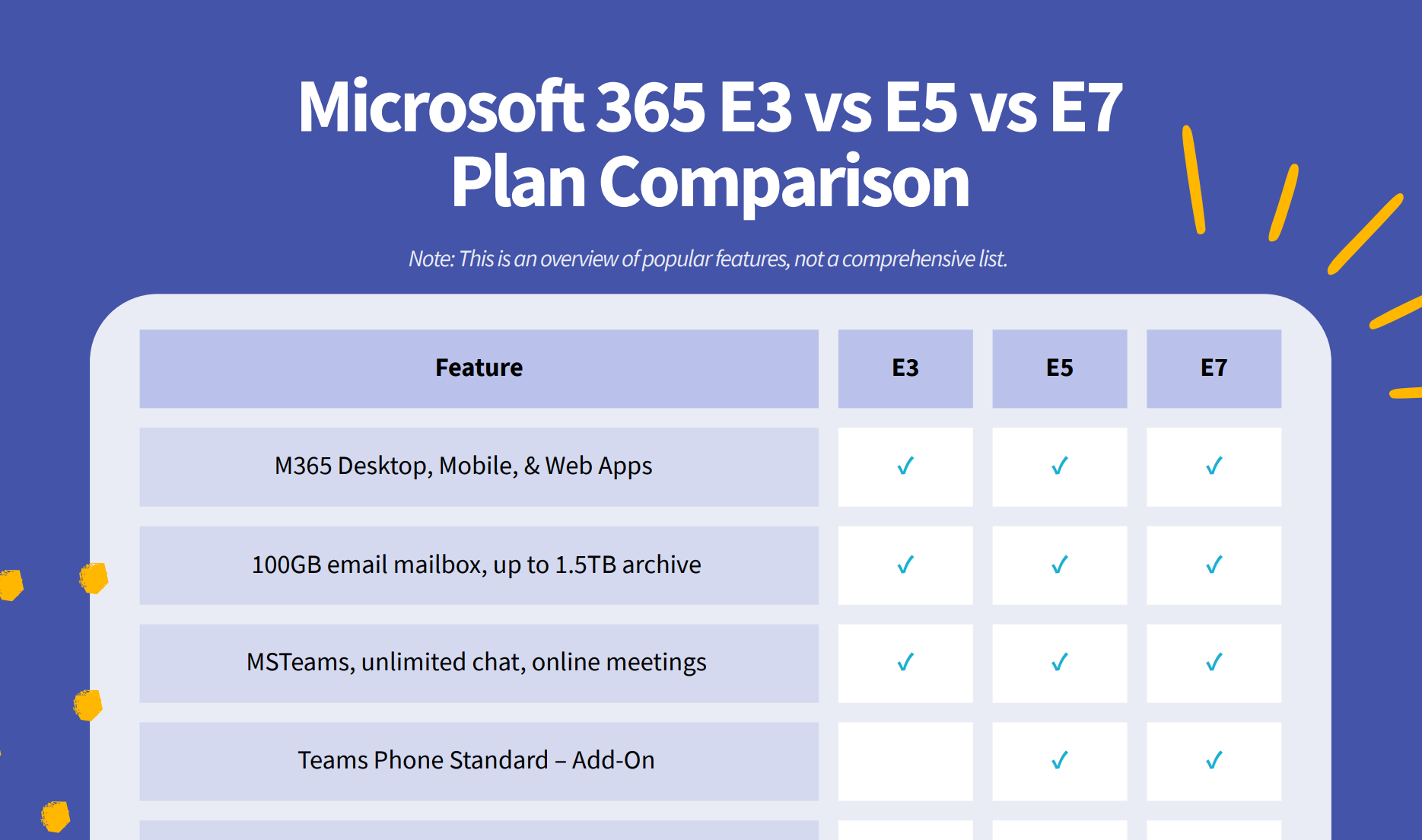
But if you're still not sure what your licensing should look like as E7 shifts the focus of work, we can help you figure out what plan your business needs and how to get ready for the age of AI.