Author
Kunaal Sharma
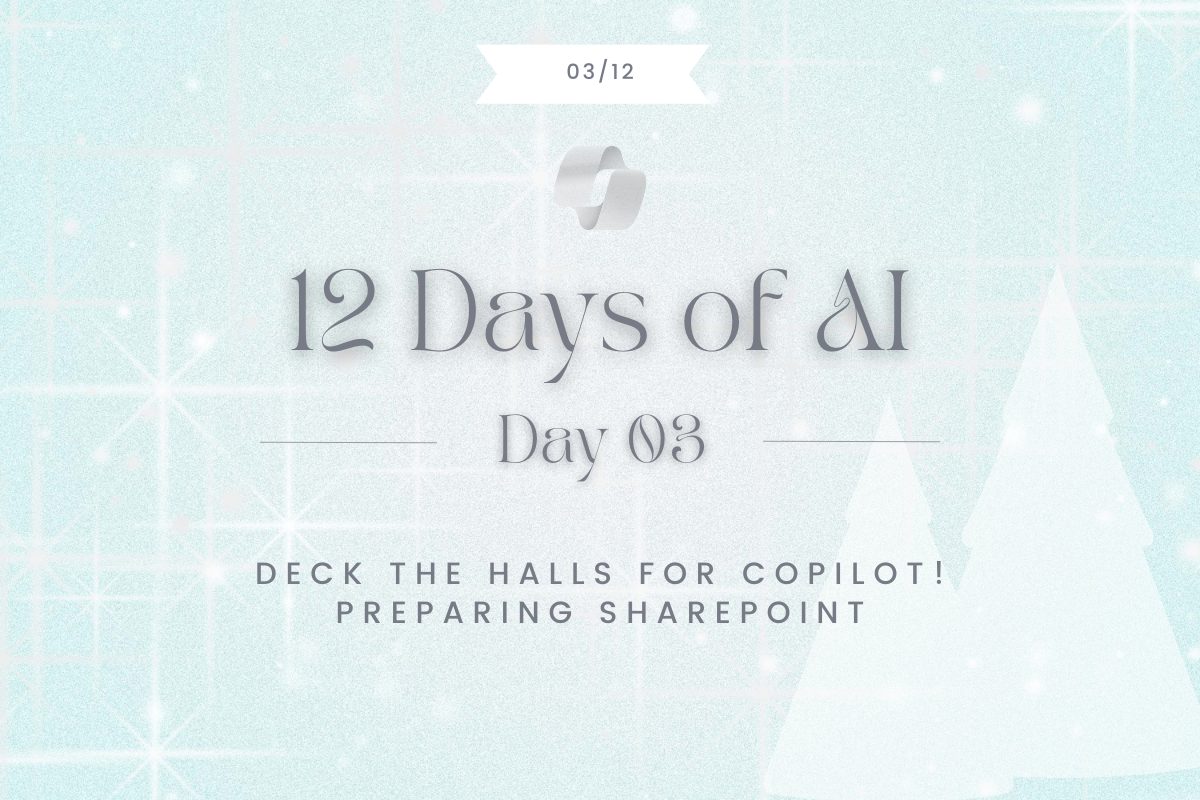
AI isn’t coming down the chimney; it’s already in your workplace, and organizations everywhere are lighting up its possibilities. With the rise of AI, it’s time to think carefully about the data we’re feeding these engines to help us in our day-to-day work.
Microsoft 365 Copilot builds its answers from your organization’s data (plus the knowledge in its large language model). Much of that organizational content lives in SharePoint and OneDrive. In fact, content in Microsoft Graph, emails, files, chats, meetings largely resides in SharePoint sites and document libraries.
So how do we ensure Copilot delivers accurate, secure, and helpful answers without turning our SharePoint into a tangled string of holiday lights? By decking the halls with smart governance, sparkling clean content, and well-wrapped permissions.
1. Trim the Clutter: Only Keep the Good Ornaments
Just like you wouldn’t hang broken bulbs on your tree, don’t let outdated or redundant files crowd your SharePoint shelves. Archive or delete what’s past its prime. Copilot works best when it can find the freshest, most relevant info. So give it a clean, well-lit workspace!
Quick Tips
- Remove Redundant, Obsolete, Trivial (ROT) content
- Use clear naming conventions and metadata for easy searching
- Design your sites with care
2. Hang Permissions with Care: No Oversharing!
You wouldn’t invite the whole neighbourhood to your family dinner, so don’t let “Everyone” or anonymous links sneak into your SharePoint permissions. Audit who has access, assign site owners, and set sharing defaults to “specific people” or “organizations only”. Copilot respects your boundaries, but only if you set them!
Quick Tips
- Review site permissions and remove unnecessary access
- Use Restricted Access Mode for high-risk sites if needed
3. Label the Gifts: Classify and Protect Your Data
Wrap up sensitive content with the right labels and policies. Use Microsoft Purview sensitivity labels, enable Data Loss Prevention (DLP), and monitor audit logs for unusual activity. This keeps your confidential info safe from prying eyes, even Copilot’s!
Quick Tips:
- Apply sensitivity labels and activate DLP
- Automate governance with SharePoint Advanced Management or third-party tools
4. Teach Your Elves: User Education & Governance
Even the best decorations need a little guidance. Train your users on SharePoint best practices and Copilot usage. Create cheat sheets (“SharePoint & Copilot Dos and Don’ts.”), assign data stewards, and keep governance documentation up to date. The more your team knows, the merrier your Copilot experience!
Quick Tips:
- Offer training and establish a governance committee
- Monitor Copilot feedback to keep improving
5. Audit and Celebrate: Keep the Halls Bright All Year
Preparation isn’t a one-time event, it’s an ongoing celebration. Regularly review your site structure, content relevance, and Copilot’s performance. Use dashboards and feedback to spot gaps, update content, and keep your SharePoint environment merry and bright.
Quick Tips:
- Schedule periodic audits and update your governance policies
- Share success stories with leadership
Ready for Copilot? Let the Magic Begin!
By decking your SharePoint halls with care, you’ll ensure Copilot answers that dazzle, without any holiday mishaps. Light up your content, secure your spaces, and let Copilot help your team shine brighter than ever.
Happy holidays from Creospark, where preparation meets productivity, and every SharePoint site is ready for a little AI magic!