Author
Kunaal Sharma
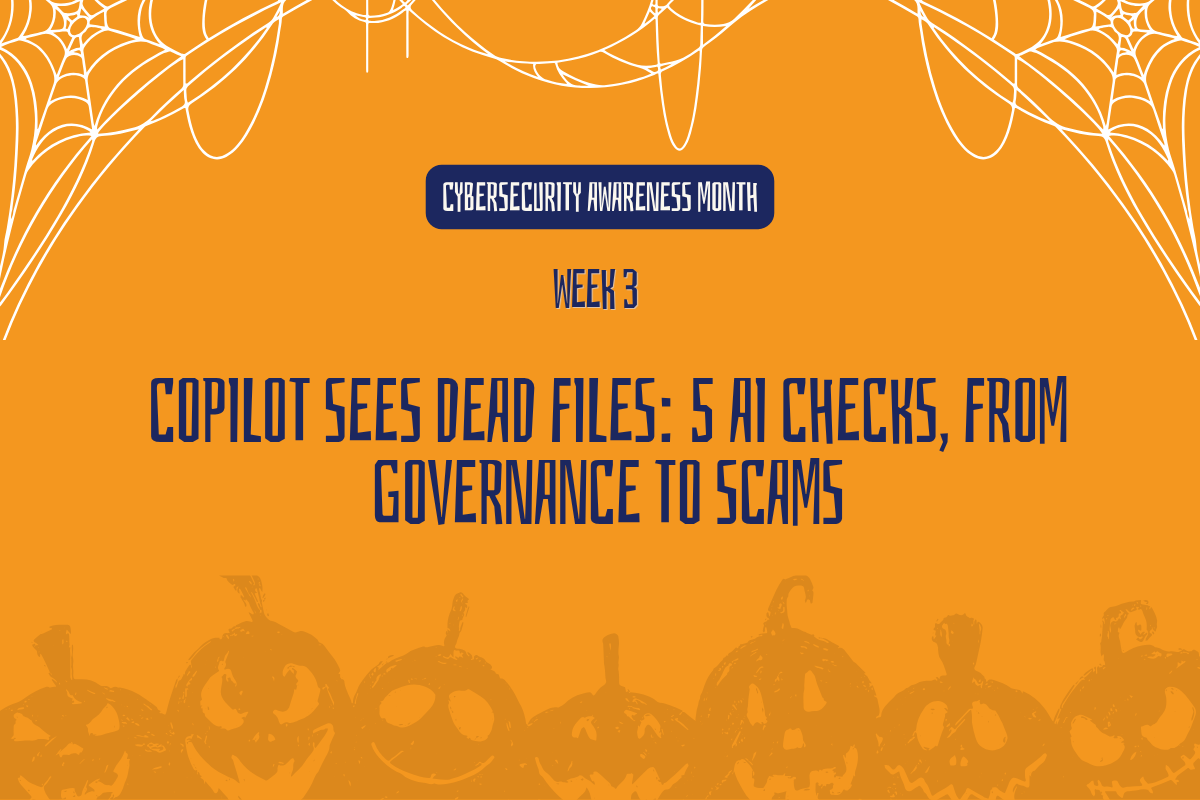
Copilot Sees Dead Files: 5 AI Checks, From Governance to Scams
Over the past two weeks, we’ve gone looking for what’s lurking in your permissions, your inbox and your data. This week, AI brings it all together.
Copilot doesn’t create new exposure, but it can surface anything your people already have access to, in seconds. And AI isn’t only working for your team. Attackers are using it too.
Here are five checks that cover both sides.
1. It Doesn’t Raise the Dead, It Just Finds the Grave
Here’s the idea the whole month rests on: Copilot doesn’t create permission problems, and it doesn’t bypass access controls. It works with the access a person already has, and it can surface that content in seconds.
That means every overshared site from Week 1 and every unlabeled file from Week 2 is now something an authorized user could find with a single question. Not because Copilot did anything wrong, but because the exposure already existed.
What to do: Before your next Copilot rollout phase, re-run the Week 1 and Week 2 checks on the content and groups getting access next.
⚠ Copilot respects existing permissions and does not bypass access controls
2. Unapproved Spirits
Employees are finding their own AI tools, usually with the best intentions: to write faster, summarize a meeting or make sense of a spreadsheet. But when those tools sit outside anything IT has reviewed, company data can end up in a service nobody has vetted, with no visibility into where it goes next.
The goal isn’t to shut down curiosity. It’s to know which AI tools are actually in use across your organization, not just the ones you rolled out on purpose.
What to do: Informally survey five team leads this week on which AI tools they or their teams actually use.
3. Who Summoned This Agent?
Copilot Studio makes it easy to build AI agents that answer questions, automate tasks and connect to business data. That’s the point. But agent creation is often open far wider than whoever set it up realized, and each agent can reach whatever data it’s connected to.
It’s worth knowing two things: who can create AI agents in your environment today, and which agents already exist, who owns them and what they can reach. Microsoft Agent 365 brings that second answer into one place, with Copilot Studio agents registered automatically.
What to do: Review which agents are already running in your organization, flag any without an owner, and confirm agent creation is limited to the people who need it.
Note: The Agent 365 registry lives in the Microsoft 365 admin center, and viewing the agent inventory doesn’t require a specific license. Agent 365’s wider governance features are licensed separately, either standalone or as part of Microsoft 365 E7.
4. Ghosts of Employees Past
t’s not just your tenant that AI is changing. It’s also the scams aimed at your people: cloned voices asking for urgent wire transfers, AI-written phishing emails without the usual red flags, and video calls convincing enough to trust.
The good news is that the best defense doesn’t depend on spotting the fake. It’s a simple habit that works even when the fake is perfect.
What to do: Verify any unusual or urgent request through a second channel, every time, no matter how convincing it sounds.
5.Sites That Should Never Be Invited
Some content should never show up in AI-powered search, no matter who’s asking: board materials, HR investigations, merger planning, legal matters. Do you know which sites fall into that category, and whether they’re currently excluded?
In many organizations, that list lives only in someone’s head. Writing it down is one of the most valuable AI readiness steps you can take, and it’s a decision leadership should own.
What to do: Build (or request) an AI discovery exclusion list this week, naming every site that should never be surfaced by Copilot.
Note: Restricted Content Discovery, which keeps selected sites out of Copilot and organization-wide search results, requires SharePoint Advanced Management (SAM).
Where Should You Start?
If you only tackle one thing this week, make it #5. Deciding which sites should never appear in Copilot results, and making sure they’re excluded, protects your most sensitive content first. Everything else on this list builds from there. You don’t need every answer before moving forward with AI. You need to know where your biggest gaps are and have a plan to close them.