Author
Kunaal Sharma
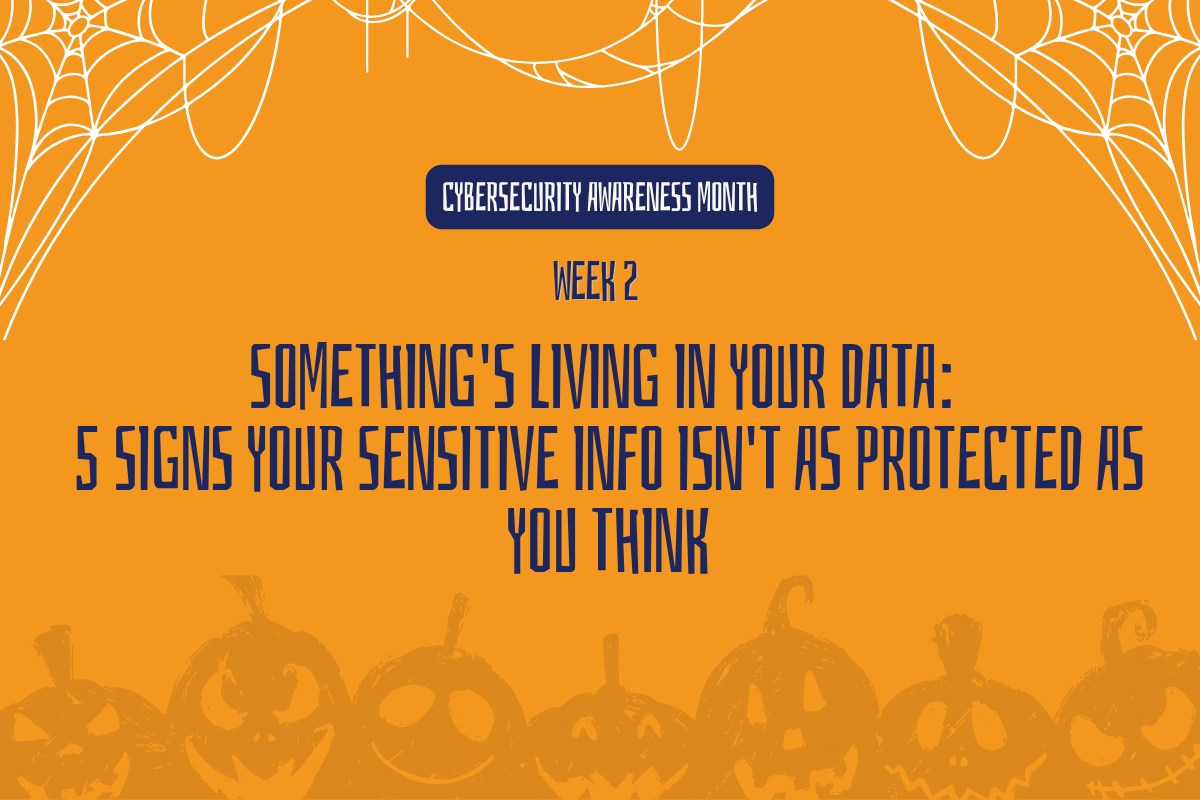
Something’s Living in Your Data: 5 Signs Your Sensitive Info Isn’t as Protected as You Think
Last week we went looking for what’s lurking in your permissions and your inbox. This week we go after what’s lurking in your data itself: the files that should have a label but don’t.
Followed by the question nobody wants to ask until it’s too late: Could we actually recover if something went wrong?
1. The Basement Nobody Checks
Sensitive information rarely lives where the org chart says it should. It’s in a random Teams channel, a personal OneDrive, an email thread someone used because it was faster that day. This isn’t carelessness it’s just what happens without a system actively watching for it.
What to do: Ask your team where they assume sensitive data lives, then go verify.
2. Labels That Never Left the Box
Sensitivity labels only protect what they’re actually applied to. A lot of tenants have labels configured and almost nothing labelled; the tool exists, the rollout never fully happened.
What to do: Pull your label usage report before assuming your classification program is working.
⚠ Purview classification requires rollout and adoption it isn’t automatic out of the box.
⚠ Auto Labelling/Usage Reports require M365 E5/A5/G5 Compliance add-on
3. The Trapdoor
What happens if a confidential file gets shared externally today?DLP genuinely reduces this risk; it’s not a guarantee, and it’s worth knowing exactly where your coverage stops.
What to do: Test it – share a dummy labelled file externally and see which control actually fires.
⚠ DLP reduces risk; avoid “prevents” or “blocks completely” language.
4. Something Followed You Home (And Brought a Guest)
Sensitive files cached on a personal device that’s never checked in with device management and never had real endpoint protection leave the building without anyone noticing or anything watching for what tries to get in. Antivirus and endpoint protection aren’t optional extras; they’re baseline.
What to do: Check your enrollment report this week and confirm protection is active, not just installed.
5. Could You Come Back From the Dead?
If ransomware hit tonight, could you recover or would the data just be gone? Cloud backup is part of the foundation, but a backup nobody’s tested is a backup nobody can trust.
What to do: Run a test restore this week. Don’t assume it works; confirm it does.
⚠ M365 does not have long-term default backup, M365 Backup is sold separately as a pay-as-you-go solution
Where Should You Start?
If you only tackle one thing this week, review where your most sensitive files are stored and whether they have the right protection. Look beyond the expected folders and check Teams channels, personal OneDrive accounts, and email threads where important information may have been shared for convenience.
The goal is not to clean up every file at once. It is to find the biggest gaps first, confirm that sensitivity labels and data protection controls are working, and create a regular process for reviewing sensitive information.