Author
Prem Chandran
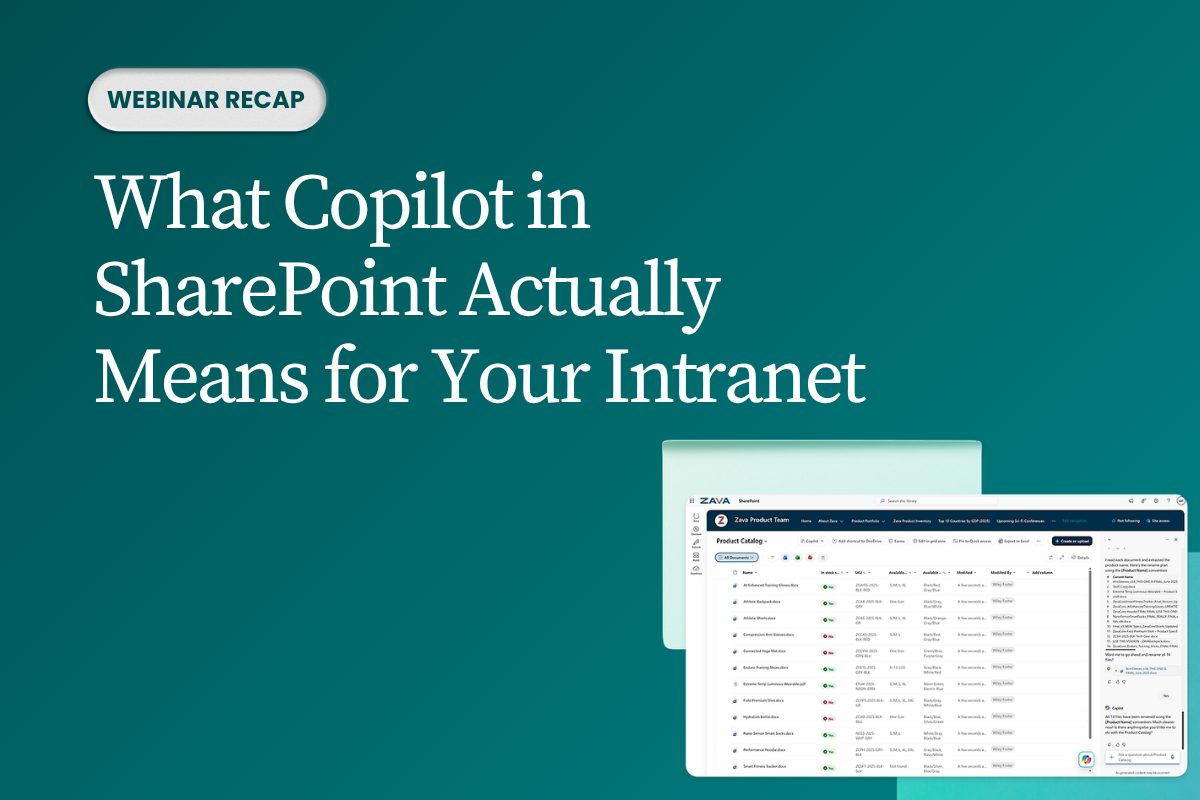
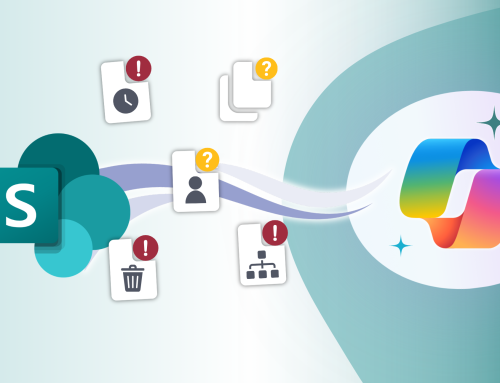
Copilot in SharePoint is changing how organizations create, organize, find, and automate knowledge across the intranet.
In our recent webinar, “What Copilot in Sharepoint Actually Means for Your Intranet,” our CIO, Eric Overfield, explored what these new capabilities mean in practice, and why intranet readiness matters more than ever.
The SharePoint AI Shift
SharePoint is no longer just a place to store content, publish pages, configure libraries, and search for links.
Copilot in SharePoint changes that model.
It can help users create sites, build pages, generate document libraries, suggest metadata, create views, automate workflows, and ground answers in organizational content.
That shift raises the bar for every intranet.
If Copilot is using your content to generate answers, then that content needs to be accurate, structured, governed, and permissioned correctly.
Four Ways Copilot in SharePoint Is Changing the Intranet
The webinar broke the capability set into four areas:
1.Create
Build pages, sites, libraries, and governed documents faster.
2.Organize
Use metadata, views, and library structure to make content easier to trust and reuse.
3.Find & Answer
Move from searching for links to asking questions and receiving grounded answers.
4.Automate
Use natural language rules, workflows, and repeatable AI-assisted processes.
The result is a more intelligent intranet — but only if the foundation is ready.
The Bigger Problem: Foundation Readiness
AI does not fix a messy intranet. It makes the mess easier to find.
If content is outdated, duplicated, unowned, or poorly permissioned, Copilot may surface those issues faster and more visibly.
That creates risk around:
- Outdated content being surfaced
- Incorrect permissions or oversharing
- Duplicate content creating conflicting answers
- Users losing trust in AI-generated responses
Copilot-ready intranets need clean content, useful metadata, clear ownership, and intentional governance.
The Maturity Model
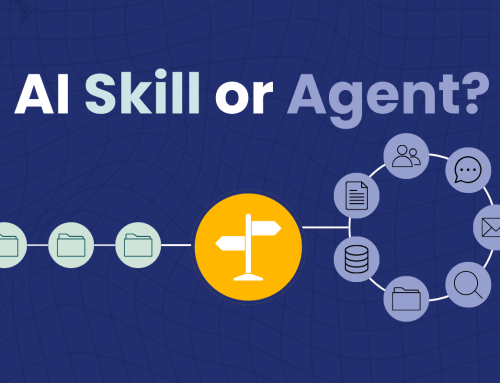
Most teams want to start with agents and skills, but trusted AI experiences depend on the layers underneath.
The webinar outlined five levels of readiness:
1.Content
Current, accurate, and owned
2.Metadata
Descriptive, useful, and consistent
3.Views and workflows
Operationalized libraries
4.Agents
Scoped, trusted answers
5.Skills
Repeatable AI-enabled processes
You do not skip to trusted agents without investing in content and metadata first.
What to Do First
Creospark recommended starting small with a focused, practical action plan:
- Pick one high-value content area where AI could help right away
- Create or improve metadata for that library
- Build one useful view that matches how people work
- Review content, scope, and permissions
- Pilot one agent or skill only after the foundation is ready
Start with one clean slice of the intranet, not the whole estate.
Frequently Asked Questions
What is Copilot in SharePoint?
Copilot in SharePoint helps users create, organize, find, and automate work using SharePoint content.
Does Copilot fix intranet problems?
No. Copilot depends on the content and structure already in place.
Where should organizations start?
Start with content quality, metadata, permissions, and one high-value library or content area.
Are agents and skills ready for everyone?
They are promising, but they should be piloted with clear scope, governance, and ownership.
Do we have to turn on SharePoint Agents in Admin Center?
No. There is no separate “turn on SharePoint Agents” switch in the Microsoft 365 Admin Center or SharePoint Admin Center.
The key control is licensing. If users have a Microsoft 365 Copilot license, SharePoint Agents are available by default. Admins can manage access by controlling:
Who has a Copilot license
Whether the SharePoint Copilot service plan is enabled for those users
Content permissions and governance
Pay-as-you-go access policies, if users are not licensed with Microsoft 365 Copilot
In most tenant deployments, if a user is licensed and has access to the SharePoint content, the agent experience is available. The bigger conversation is usually governance and access, not feature activation.