Author
Prem Chandran
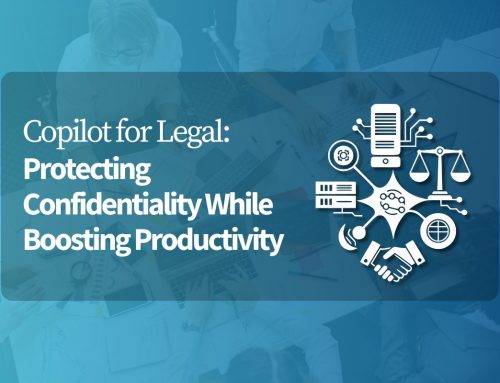
Microsoft 365 Copilot is transforming how organizations write‚ analyze‚ and collaborate with Word‚ Outlook‚ Teams‚ SharePoint‚ and OneDrive․ With AI in the flow of work‚ leaders are asking an important question:
Is our Microsoft 365 environment ready to support AI responsibly, and can we trust the outputs?
In this session, our business analysts and Copilot expert, Diana Kaltenborn and Vibha Kakar reviewed Microsoft-native approaches for building governance foundations and fostering trust in AI outputs‚ with examples from high-trust fields such as the legal industry‚ where confidentiality and the need for accuracy are paramount․
Why This Matters
“The key is to strike the right balance, recognizing that we need innovation to flourish, while ensuring responsible development and deployment of AI.”
.
Copilot doesn’t invent new access, it works with what your environment already allows. Permissions, data sprawl, retention gaps, and unclear ownership shape what AI can surface. And beyond access and controls, many organizations hit another critical barrier: reliability. If AI responses can’t be consistently grounded, explainable, and verifiable, adoption stalls, even when governance is strong.
Webinar Highlights
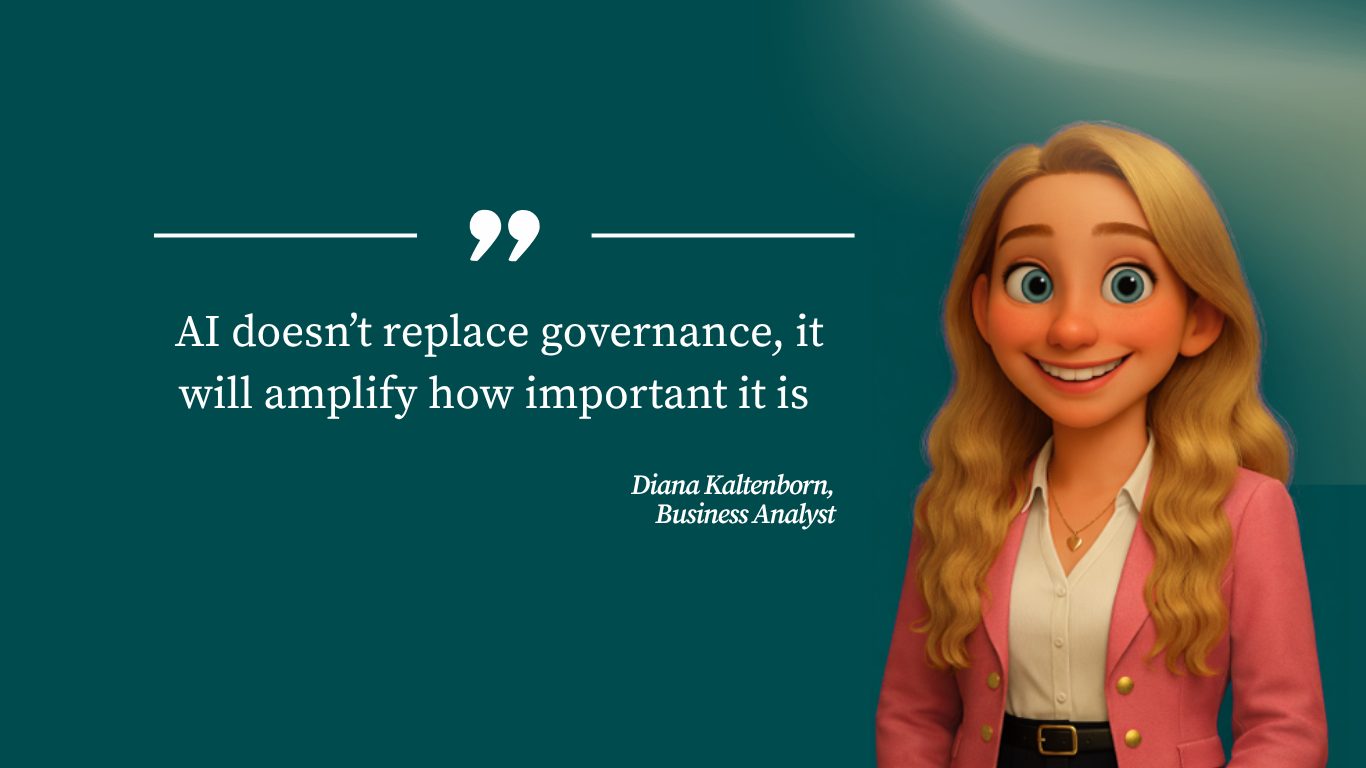
Governance Is What Makes AI Sustainable
A common misconception is that governance is a constraint. In reality, it’s what makes AI sustainable. The session framed it simply:
Common Governance Gaps
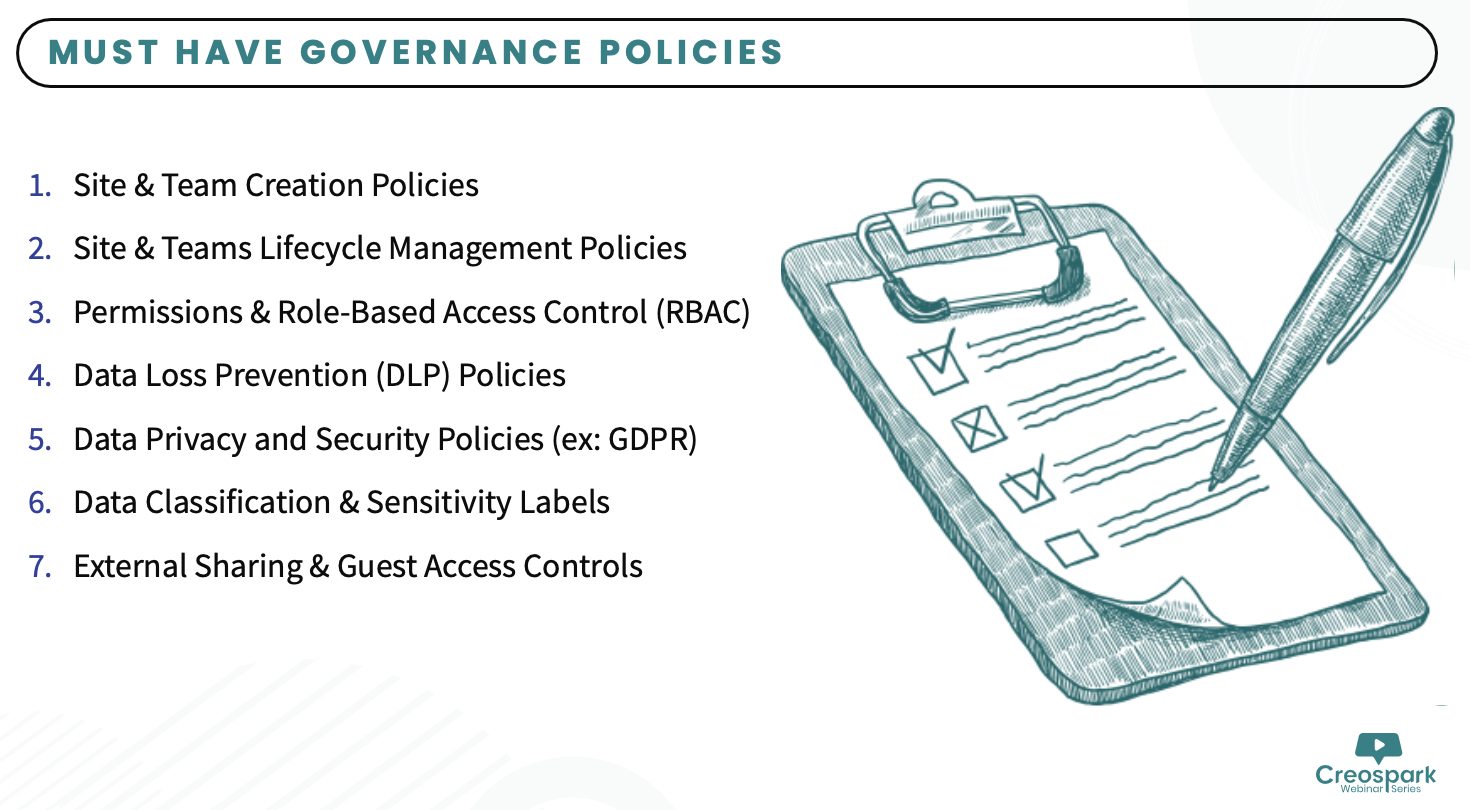
The session walked through the most common gaps that put AI adoption at risk:
- Unsecured data permissions
- Missing sensitivity labels
- Lack of Teams/SharePoint governance
- No change management plan
- Untrained staff
- No measurement loop
Why AI Governance Is a Must-Have
AI-assisted decision-making must be accountable‚ auditable‚ and supervised by humans. The session noted that while strict regulation is one end of the spectrum‚ the other is a complete lack of oversight‚ both of which could be problematic․
Microsoft 365’s Native Governance & Compliance Capabilities
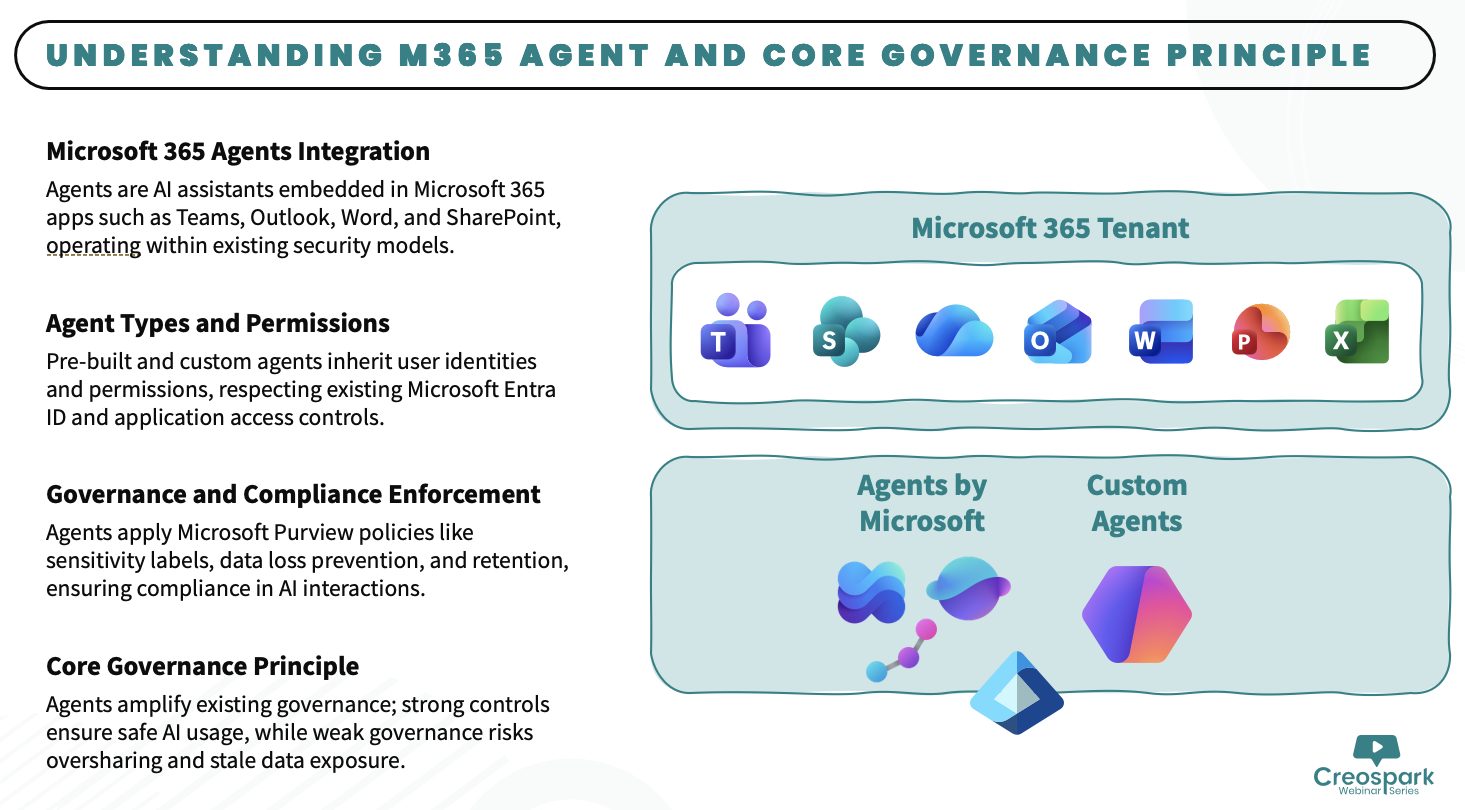
The session covered the Microsoft-native tools that support responsible AI readiness:
- Sensitivity Labels: let you classify data with Public‚ General‚ or Confidential tags‚ thereby controlling what Copilot can show to users
- Data Loss Prevention (DLP): governs AI-generated content in Microsoft 365 Copilot‚ Copilot Agents‚ and third-party AI applications․
- Purview Audit: captures AI prompts and responses, tracking how and when users interact with AI apps and which files were accessed.
- EDiscovery: enables search and hold of AI-related activities, and can prevent AI prompts and outputs from deletion across various AI solutions.
- Microsoft Agent 365: launching May 1‚ 2026․ The enterprise control plane for AI agents providing IT a single place to see‚ govern‚ monitor risk‚ and secure every agent across the organization․
A Phased Approach to Scale AI Responsibly
Rather than treating governance as a one-time project, the session presented a five-phase framework:
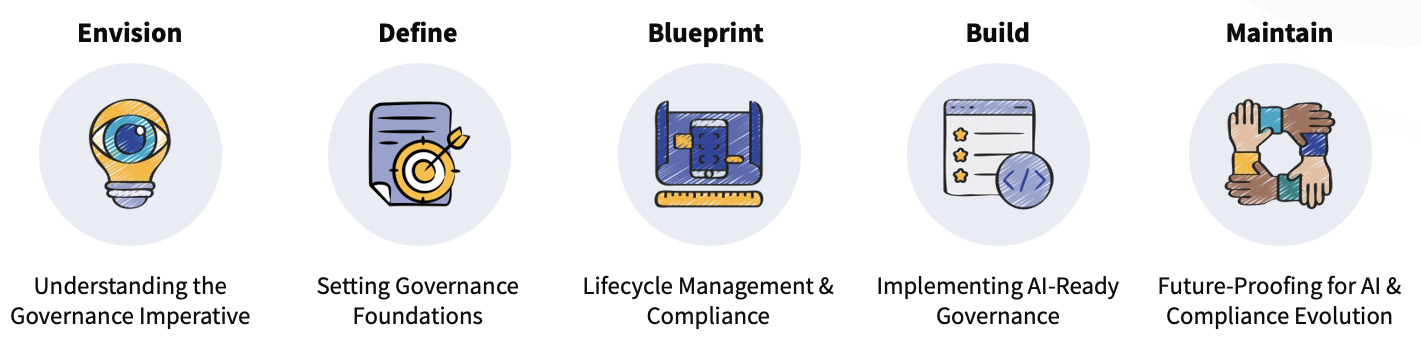
It is obvious that governance of AI is not a “set it and forget it” process․ With the rapid evolution of artificial intelligence and changing digital compliance requirements and standards‚ a Plan → Implement → Monitor → Improve → Repeat approach to AI governance is needed․
Key Takeaways
Governance is the foundation
Strong permissions, classification, and lifecycle policies are what make Copilot trustworthy
AI thrives on well-governed data
Organized, secure data enables accurate, reliable AI outputs.
Lifecycle management matters
Compliance tools like Purview keep data secure and AI interactions auditable.
Governance is ongoing
Regulations and AI capabilities are both evolving, strategies must adapt continuously.